Why VoIP Calls Get Rejected: SIP Error Codes Explained (403 vs 404 vs 503)
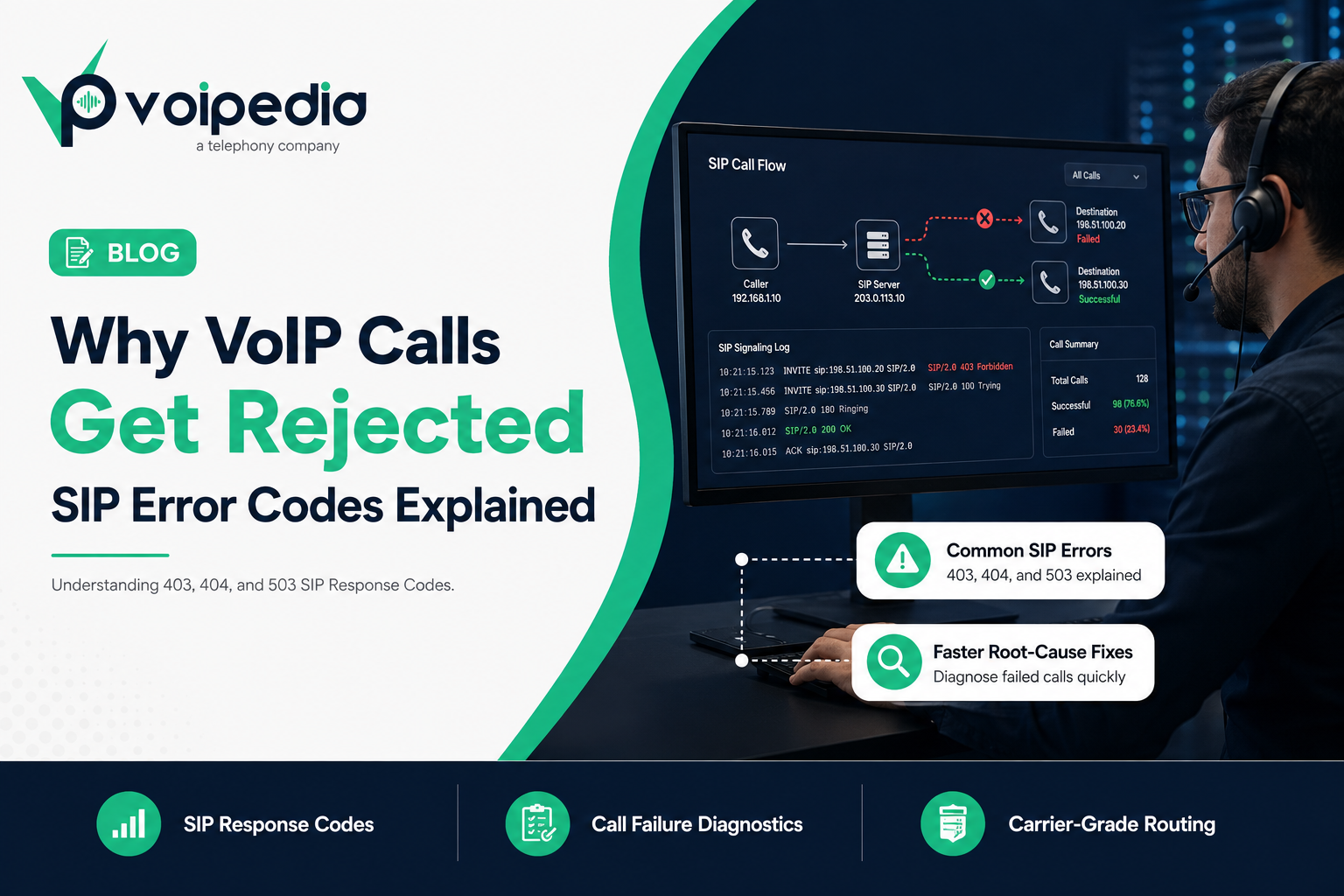
Why do VoIP calls get rejected? Because a VoIP call doesn’t just “fail.” It fails with a reason, and that reason is a SIP response code. When a call center’s outbound campaign suddenly drops from a 95% connect rate to 60%, or a customer can’t reach your support line, the SIP signaling log almost always has the answer sitting in plain sight. The problem is that most teams see codes like 403, 404, or 503 and have no idea what they actually mean, so they escalate a routing misconfiguration as if it were a carrier outage, or the other way around.
This guide breaks down exactly why VoIP calls get rejected, what the most common SIP error codes mean, and how to diagnose and fix them before they damage your Answer Seizure Ratio (ASR) or your customers’ trust in your phone system.
Key Takeaways: Why VoIP Calls Get Rejected
- SIP error codes are three-digit responses defined by RFC 3261, the IETF standard for SIP, that tell you exactly why a call setup attempt failed.
- 403 Forbidden almost always means an authentication, IP whitelist, or policy rejection: the request was valid, but the receiving server refuses to allow it.
- 404 Not Found means the destination number, extension, or domain doesn’t exist on the server that received the request, usually a routing or DID configuration issue.
- 503 Service Unavailable means the destination server is temporarily unable to accept the call, often due to overload, maintenance, or exceeding a Calls-Per-Second (CPS) limit.
- Repeated SIP failures directly lower your ASR (Answer Seizure Ratio) and inflate PDD (Post-Dial Delay), both of which are core call center telecom KPIs.
- Most rejected-call issues are fixable in minutes once you know which SIP response class you’re dealing with: 4xx (client error), 5xx (server error), or 6xx (global failure).
What Is a SIP Response Code?
A SIP (Session Initiation Protocol) response code is a three-digit status code that a SIP server or endpoint sends back after receiving a call setup request, such as an INVITE. It tells the originating side exactly what happened to the call attempt: whether it succeeded, was rejected, timed out, or hit a server error. SIP response codes are standardized in RFC 3261 and grouped into classes (1xx through 6xx), similar in concept to HTTP status codes on the web.
How a VoIP Call Actually Sets Up (Quick Primer)
Before troubleshooting error codes, it helps to know where they show up. A VoIP call begins when the originating device or softswitch sends a SIP INVITE to the destination server. That server responds with a chain of provisional and final responses:
- 100 Trying: the server received the request and is processing it.
- 180 Ringing: the destination is alerting the called party.
- 200 OK: the call was answered; media (RTP) can now flow.
- Or, instead of ringing, the server can immediately return a rejection code. This is where 403, 404, 503, and similar errors appear.
If the call fails before audio ever starts, the cause is almost always in SIP signaling: authentication, routing, or capacity, not in codecs, jitter, or RTP packet loss, which only affect calls that have already connected.
Why VoIP Calls Get Rejected: The Most Common Causes
| Cause | Typical SIP Code | Where It Happens |
|---|---|---|
| Wrong username/password or expired registration | 401 / 403 | Authentication layer |
| Calling from an IP not on the trunk’s allowed list | 403 | IP-based trunk authentication |
| Dialed number doesn’t exist or isn’t routed | 404 | Destination/DID routing |
| Callee is busy or actively declines | 486 | Destination endpoint |
| Call not answered in time | 408 / 480 | Destination endpoint |
| Carrier or gateway overloaded, exceeded CPS limit | 503 | Server/carrier capacity |
| Number blocked for suspected spam/robocalling | 608 | Terminating carrier policy |
| Malformed request or unsupported media | 400 / 488 | SIP message formatting |
SIP Error Codes Explained: 403 vs 404 vs 503
SIP 403 Forbidden
What it means: The server understood the request but refuses to fulfill it. This is a policy decision, not a technical error: your credentials, IP address, or the call itself has been explicitly denied.
Common causes:
- Incorrect SIP trunk username or password
- Calling from an IP address not registered on an IP-authenticated trunk
- The terminating carrier blocking a caller ID or number range for compliance reasons
- Geo-restrictions or blocked destination codes on the account
How to fix it: Verify trunk credentials, confirm the originating IP matches what’s registered with your provider, and check whether the destination carrier has flagged the caller ID. If you manage SIP trunking for a high-volume call center, confirm your outbound IPs haven’t changed after a failover or scaling event. A stale IP whitelist is one of the most common causes of a sudden spike in 403s.
SIP 404 Not Found
What it means: The server could not find the user, extension, or domain specified in the request. The number simply isn’t recognized by whichever server received it.
Common causes:
- The dialed number isn’t provisioned or has been deactivated
- Inbound DID routing isn’t configured correctly on your PBX or SIP trunk
- A typo or formatting error in the dialed number (missing country code, extra digit)
- The number was ported and routing wasn’t updated on the new carrier
How to fix it: For inbound calls, confirm the DID is active and correctly mapped to an extension or queue in your inbound call routing. For outbound calls, verify the dial plan is formatting numbers correctly (E.164 format is the safest default) before they’re sent to the carrier.
SIP 503 Service Unavailable
What it means: The server is temporarily unable to handle the request. Unlike 403 and 404, this usually isn’t about the specific call. It’s about capacity or availability on the receiving side.
Common causes:
- The carrier or gateway is overloaded
- You’ve exceeded your Calls-Per-Second (CPS) limit for outbound calling, and the carrier is throttling you
- Scheduled maintenance on the terminating switch
- A misconfigured failover route with no healthy destination available
How to fix it: Check your current CPS against your provider’s contracted limit. This is the single most common cause of 503s in outbound dialing environments like predictive dialers. If CPS isn’t the issue, confirm failover/backup routes are configured so calls don’t dead-end when a primary carrier path is down.
How SIP Errors Impact Call Center KPIs
Rejected calls aren’t just an annoyance. They directly move the metrics that call center operations teams are measured on:
- ASR (Answer Seizure Ratio): The percentage of call attempts that result in an answered call. Every 403, 404, or 503 lowers your ASR, even if the underlying issue is a five-minute configuration fix.
- PDD (Post-Dial Delay): The time between dialing and hearing ringback or answer. Retries after failed attempts, or carriers that take several seconds to return a 503 under load, inflate PDD and frustrate agents and customers alike.
- ACD (Average Call Duration): Indirectly affected. High rejection rates often push campaigns toward redialing logic that shortens effective talk time per agent hour.
- CPS (Calls Per Second): Directly causes 503s when exceeded, making it both a cause and a downstream symptom worth monitoring in real time.
SIP Signaling Errors vs. Call Quality Issues
It’s worth separating “the call never connected” from “the call connected but sounded bad.” They have different causes and different fixes.
| SIP Signaling Errors (403/404/503) | Call Quality Issues (Jitter/Packet Loss/One-Way Audio) | |
|---|---|---|
| When it happens | Before the call connects | After the call connects |
| Protocol involved | SIP | RTP (media transport) |
| Typical cause | Auth, routing, capacity | Network congestion, codec mismatch, NAT/firewall |
| Where to look | SIP signaling log | RTP stream / codec negotiation |
| Fix category | Trunk config, DID routing, CPS limits | QoS, bandwidth, codec selection (G.711 vs G.729) |
Step-by-Step: Troubleshooting Why VoIP Calls Get Rejected
- Pull the SIP trace. Every reputable SIP trunk provider gives you access to call logs showing the exact response code returned.
- Identify the response class. 4xx means something’s wrong with the request or credentials; 5xx means something’s wrong on the server/carrier side; 6xx means a global refusal (e.g., number permanently blocked).
- Check authentication first for 401/403. Confirm username, password, and IP whitelist match your provider’s records exactly.
- Check the dial plan and DID mapping for 404. Confirm the number format and that the destination is actually provisioned.
- Check CPS and carrier status for 503. Compare your current call attempt rate to your contracted CPS limit.
- Escalate to your carrier with the exact code and timestamp. A precise report (“we received 503 from your gateway at 14:02 UTC on trunk X”) gets resolved far faster than “calls aren’t going through.”
FAQ
Why do VoIP calls get rejected in the first place?
VoIP calls get rejected when a SIP server responds to a call setup request with an error code instead of connecting the call, most commonly because of failed authentication (403), an unrecognized destination (404), or a carrier that’s temporarily overloaded (503).
What does SIP error 403 mean?
SIP 403 Forbidden means the server received your call request but refused it as a policy decision, typically due to failed authentication, an unrecognized IP address, or a blocked caller ID.
What does SIP error 404 mean?
SIP 404 Not Found means the destination number, extension, or domain wasn’t recognized by the server handling the request, usually a routing, provisioning, or dial-format issue.
What does SIP error 503 mean?
SIP 503 Service Unavailable means the receiving server or carrier is temporarily unable to process the call, often due to overload, maintenance, or the caller exceeding their allowed Calls-Per-Second rate.
Why do my outbound calls fail only during peak hours?
This pattern usually points to a CPS limit being exceeded, which the carrier enforces with 503 responses. Check your dialer’s concurrent call and CPS settings against your provider’s contracted limits.
Is a SIP error code the same as a “Spam Likely” label?
No. SIP error codes describe call setup failures at the signaling layer. “Spam Likely” labeling is a caller ID reputation and analytics issue tied to STIR/SHAKEN attestation and carrier analytics, not a rejected SIP request, though a severely flagged number can also be blocked outright with a 608 response.
Can a firewall cause SIP calls to be rejected?
Yes. A misconfigured firewall or NAT device can block SIP signaling or RTP media entirely, which may appear as timeouts or 408 errors rather than a clean 403 or 404, since the request never reaches the destination server at all.
Does a 503 error mean the carrier is down?
Not necessarily. A 503 more often means the carrier is temporarily throttling or rejecting calls due to load or a CPS violation on your account, rather than a full outage. Persistent 503s across all destinations are more likely to indicate an actual carrier-side issue.
How do I prevent SIP 403 errors after switching carriers or IPs?
Update your IP whitelist and re-verify SIP credentials with your new provider before cutting traffic over, and keep a documented record of every registered IP so a network change doesn’t silently break authentication.
Conclusion
Now you know why VoIP calls get rejected: a 403 points to authentication or policy, a 404 points to routing, and a 503 points to capacity. Three very different fixes hiding behind three numbers. Building the habit of checking the SIP trace first, before assuming a carrier outage or blaming call quality, is what separates teams that resolve call failures in minutes from teams that spend hours guessing.
For call centers running high call volumes, these failures compound fast. A CPS-driven 503 during a peak campaign hour can silently tank a day’s ASR. Explore The VoIPedia’s SIP trunking solutions built for high-volume call centers to reduce rejected calls with properly provisioned capacity, monitored routing, and carrier-grade reliability.