How to Reduce Post Dial Delay (PDD) in VoIP Calls

If your agents are hearing three, five, sometimes seven seconds of silence after a dialer places a call and before it starts ringing, that’s post dial delay (PDD) — and it’s costing you connected calls. Here’s how to reduce post dial delay in VoIP calls: what actually causes it, and the specific fixes that bring it down.

Key Takeaways

  • Post dial delay (PDD) is the time between the last digit dialed and the caller hearing ringback — in SIP terms, between the INVITE and the 180 Ringing response.
  • Under 3 seconds is excellent, 3–5 seconds is generally tolerated, and most carriers treat 7 seconds as the ceiling before they’ll investigate a route as faulty.
  • For outbound call centers, high PDD isn’t just an experience problem — it shortens the effective window a predictive dialer has to connect a call before it counts as abandoned under FCC telemarketing rules.
  • The most common causes are excess routing hops, slow carrier signaling, digit-collection delays, repeated TCP/TLS handshakes, and codec negotiation overhead.
  • The fastest way to reduce post dial delay is through routing and configuration changes — direct/premium routes, persistent SIP connections, optimized dial plans, and fixed codec offers — not bandwidth upgrades.

What Is Post Dial Delay (PDD) in VoIP?

Post dial delay is the elapsed time from when a caller finishes dialing to the moment they hear ringback tone, a busy signal, or any other in-band indication that the call is progressing. In SIP (Session Initiation Protocol, the signaling standard defined in IETF RFC 3261), PDD is measured as the time between the originating device sending an INVITE request and receiving the first 180 Ringing (or equivalent early-media) response from the far end. It’s a signaling metric, not a media-quality metric — it has nothing to do with jitter, packet loss, or audio clarity once the call connects.

How Post Dial Delay Is Measured

Every SIP call follows a predictable signaling sequence, and PDD is the gap inside it:

Step SIP Message What’s Happening
1 INVITE sent Originating device/trunk sends the call setup request. PDD clock starts here.
2 100 Trying Next-hop server acknowledges receipt (not always sent, and not the PDD stop point).
3 180 Ringing Destination network confirms the far-end device is alerting. PDD clock stops here.
4 200 OK Call is answered; media (RTP) begins flowing.

Any delay inserted before step 3 — at any hop along the route — adds directly to PDD. A call can pass through several carriers between origination and termination, and each one adds its own processing time before forwarding the INVITE onward.

What Counts as High Post Dial Delay?

There’s no single regulatory number for “acceptable” PDD, but carriers and SIP trunk providers converge on similar benchmarks in practice:

PDD Range Caller Experience Typical Carrier Response
Under 3 seconds Feels instant, no perceptible wait No action needed
3–5 seconds Noticeable pause, generally still tolerated Monitored, not usually escalated
5–7 seconds Callers start to hesitate or hang up before ringback Worth investigating, especially on domestic routes
Over 7 seconds Widely perceived as a stalled or failed call Most carriers treat this as a faulty route and will troubleshoot on request

International and long-distance routes — including calls into or out of markets like Brazil, the Philippines, and Egypt — routinely run higher than domestic U.S.-to-U.S. calls simply because of extra hops and physical distance, so benchmarks should be read against a route’s own historical baseline rather than a single universal figure.

Why Call Centers Need to Reduce Post Dial Delay

A single office user tolerates a slow-ringing call as a minor annoyance. A predictive dialer running hundreds of simultaneous outbound attempts treats PDD very differently, for two reasons.

It Throttles Dialer Efficiency

Predictive dialers pace outbound attempts based on expected answer and connect times. When PDD creeps up across a campaign, the dialer’s pacing model gets less accurate — attempts sit in signaling longer before an agent could even be bridged, which reduces the effective number of live conversations per hour regardless of how many lines are provisioned.

It Cuts Into Regulatory Ring-Time Compliance

This is the part most PDD explainers skip. Under the FCC’s TCPA telemarketing rules, an outbound call must be allowed to ring for at least 15 seconds or four rings before it can be disconnected, and telemarketers are capped at abandoning no more than 3% of calls answered by a live person over a rolling 30-day period, per campaign (47 CFR § 64.1200(a)(6)). PDD isn’t separate from that 15-second window — it’s the front end of it. A call with 6 seconds of PDD leaves the dialer only 9 seconds of actual ring time to detect an answer and bridge an agent before the call risks being logged as abandoned. High PDD doesn’t just feel slow; it compresses the compliance margin a predictive-dialer campaign has to work with. See our TCPA and DNC compliance checklist for VoIP call centers for the full abandonment-rate rules.

What Causes High Post Dial Delay

Excess Routing Hops

Every additional carrier or SIP proxy a call passes through before reaching the destination adds its own processing and forwarding time. Wholesale routes that bounce a call through several intermediate carriers to save on per-minute cost often trade that savings for higher PDD.

Slow Carrier or Destination Network Signaling

Some carrier networks are simply slower to return a 180 Ringing response, whether from their own internal processing, interconnection with other networks, or non-standard interpretations of SIP signaling behavior. This is usually route-specific rather than something a business customer can fix directly — it shows up as one destination or one underlying carrier consistently running higher PDD than others.

Digit Collection and Overlap Dialing

Some PBX and gateway configurations wait to collect additional digits (overlap dialing) before sending the INVITE, even when the full number is already available. Disabling unnecessary digit-collection timers, where the platform supports it, removes delay that never needed to exist in the first place.

Repeated TCP/TLS Handshakes

SIP trunks running over TCP or TLS (rather than UDP) that don’t maintain a persistent connection have to complete a new handshake for every call. That handshake adds real, measurable time before the INVITE can even be sent. Keeping connections to carriers and endpoints persistent instead of reconnecting per call removes this overhead.

DNS/ENUM Lookup Delays

Routing decisions that depend on a DNS or ENUM lookup at call time — rather than a cached or pre-resolved route — add lookup latency to every call attempt, particularly noticeable at high call volume.

Codec Negotiation Overhead

Offering a long list of codecs in the SDP (Session Description Protocol) body forces the receiving end to evaluate more options before responding. Limiting the codec offer to what’s actually needed — typically G.711 for quality-first domestic routes or G.729 where bandwidth is constrained — reduces negotiation time.

Network Congestion and Distance

Physical distance and network congestion both add propagation delay. This is the main reason international routes typically run higher PDD than domestic ones — there’s simply more distance and more network boundaries between origination and termination.

How to Reduce Post Dial Delay: Step-by-Step Fixes

The good news is that you can reduce post dial delay without new hardware — most of the fixes below are routing and configuration changes:

  1. Test and compare routes. Run controlled test calls across your carrier’s available routes to the same destinations and compare PDD directly — a route with a slightly higher per-minute rate but meaningfully lower PDD is often worth it for outbound campaign efficiency alone.
  2. Request direct or premium routing where available. Fewer intermediate hops generally means lower PDD; ask your provider whether a direct route exists to your highest-volume destinations.
  3. Keep TCP/TLS connections persistent. Configure your PBX or SBC to maintain open connections to carriers and endpoints instead of renegotiating a handshake on every call.
  4. Disable unnecessary overlap dialing. If your platform supports sending the full dialed number in a single INVITE, turn off digit-collection timers that wait for more input than it needs.
  5. Fix or limit your codec offer. Only offer the codecs you actually intend to use rather than a long default list, to cut negotiation time.
  6. Cache routing lookups. Avoid per-call DNS/ENUM resolution where a cached or pre-resolved route is possible.
  7. Prioritize SIP signaling traffic with QoS. On your own network, tagging SIP/RTP traffic for priority handling reduces the chance that signaling packets queue behind unrelated traffic.
  8. Trace and isolate the delay. Use a SIP trace tool (such as sngrep or Wireshark) to see exactly where time is being added between the INVITE and 180 Ringing — this tells you whether the delay is on your own network, at your carrier, or at the destination network, instead of guessing.

PDD vs. Other VoIP Quality Metrics

PDD is often confused with other call metrics because they’re all part of the same troubleshooting conversation. They’re not interchangeable:

Metric What It Measures When It Happens
PDD (Post-Dial Delay) Time from dialing to ringback Before the call connects (signaling phase)
Latency One-way delay of audio packets in transit During the call (media phase)
Jitter Variation in arrival time between audio packets During the call (media phase)
ASR (Answer-Seizure Ratio) % of call attempts that get answered Outcome of the whole call attempt
ACD (Average Call Duration) Average length of connected calls After the call connects

A trunk can have excellent latency and jitter once calls connect, and still have poor PDD — they’re measuring completely different parts of the call lifecycle. Our SIP trunking for call centers guide covers the full set of metrics call center operations teams should track, including CPS and ASR alongside PDD.

How to Test and Monitor PDD

  • Synthetic test calls: Place scheduled test calls to known-good destinations and log the INVITE-to-180-Ringing time automatically, so a slow route is caught before it affects a live campaign.
  • CDR (Call Detail Record) analysis: Most SIP trunk providers include PDD in call detail records — reviewing this data by destination and by carrier route surfaces patterns a single test call would miss.
  • Real-time dashboards: For high-volume dialers, a live view of PDD alongside ASR and CPS makes it possible to catch a degrading route mid-campaign rather than after a day of reduced connect rates.

Frequently Asked Questions

How do you reduce post dial delay in VoIP calls?

The fastest ways to reduce post dial delay are requesting direct or premium carrier routes, keeping TCP/TLS connections persistent, disabling unnecessary overlap dialing, and limiting your codec offer — combined with a SIP trace to confirm exactly where the delay is happening before you change anything.

What is a good post dial delay for VoIP?

Under 3 seconds is considered excellent, and up to 5 seconds is generally tolerated by callers. Most carriers treat 7 seconds as the practical ceiling — beyond that, a route is usually considered faulty and worth escalating.

What causes post dial delay in VoIP calls?

The most common causes are excess routing hops between carriers, slow signaling responses from the destination network, digit-collection or overlap-dialing delays, repeated TCP/TLS handshakes, DNS/ENUM lookup time, and codec negotiation overhead.

How is post dial delay measured?

In SIP, PDD is the time between the originating device sending an INVITE request and receiving the first 180 Ringing response from the destination network.

Does high PDD affect TCPA compliance?

Indirectly, yes. The FCC’s telemarketing rules require calls to ring for at least 15 seconds or four rings before disconnection, and cap abandoned calls at 3% of answered calls per campaign. High PDD eats into that 15-second window before an agent can even be bridged, which makes hitting the abandonment-rate cap harder on affected routes.

Is post dial delay the same as latency?

No. PDD happens before a call connects and measures signaling time. Latency measures one-way audio delay after the call is already connected. A route can have low latency during calls and still have high PDD before calls even start ringing.

Why is PDD higher on international calls?

International routes typically pass through more intermediate carriers and cover greater physical distance than domestic calls, both of which add propagation and processing time before the destination network returns a ringing response.

Can a business fix PDD on its own, or is it always the carrier’s fault?

Both. Persistent TCP/TLS connections, optimized dial plans, and limited codec offers are changes a business can make on its own PBX or SBC. Carrier-side signaling speed and routing hop count are outside a customer’s direct control, but can often be improved by requesting a different route or a more direct interconnection from the provider.

Conclusion

Post dial delay is one of the few VoIP metrics that’s almost entirely about signaling efficiency rather than bandwidth or audio quality — which means the fastest way to reduce post dial delay is usually a routing or configuration change, not an infrastructure upgrade. For outbound call centers running predictive dialers, treating PDD as a compliance-adjacent metric rather than just a comfort issue changes how urgently it’s worth fixing.

Explore The Voipedia’s outbound calling solutions built for high-volume dialer traffic, or see how the right Cloud PBX setup affects signaling performance end to end.
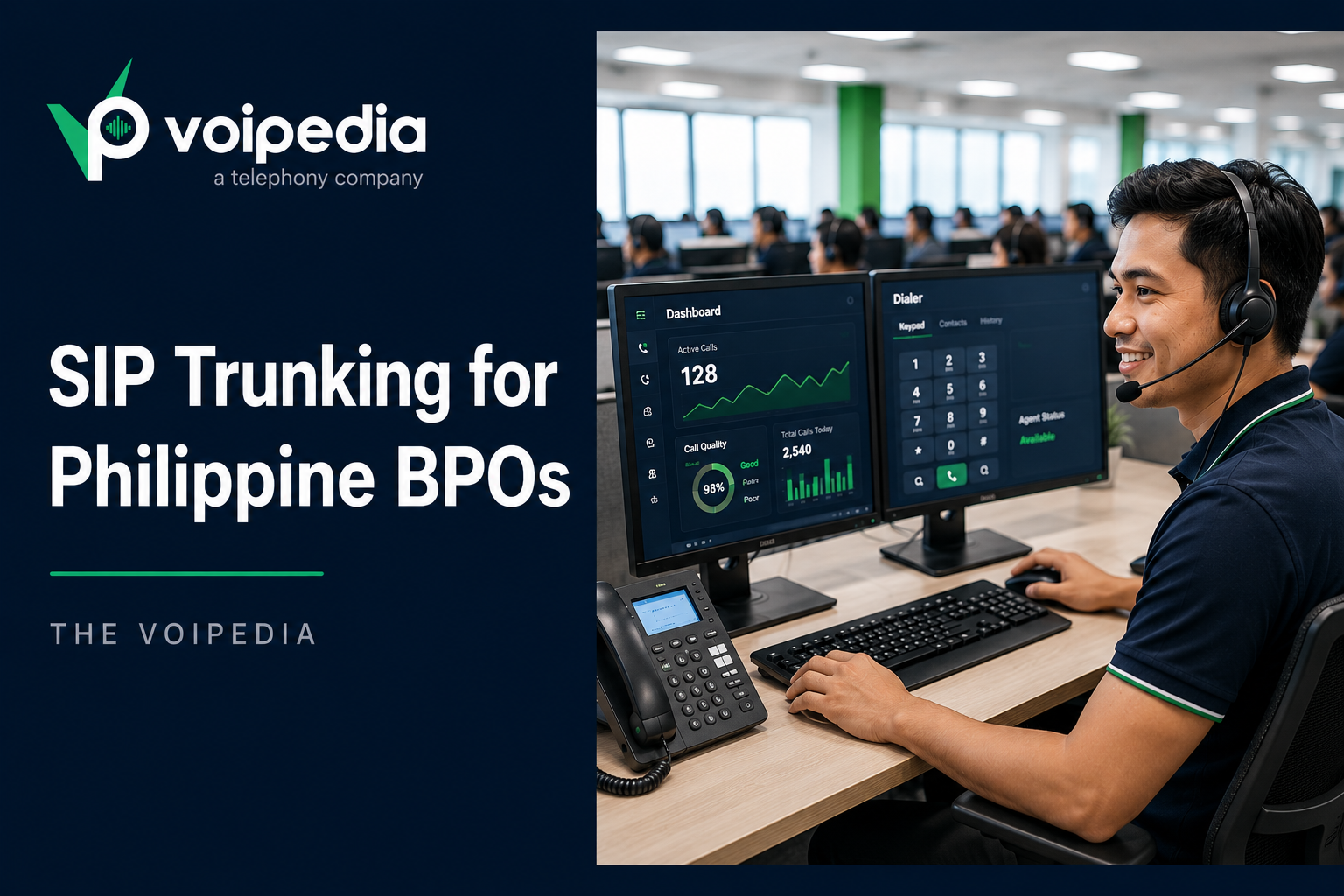
SIP Trunking for Philippine BPOs: The Complete Setup Guide

A Philippine BPO doesn’t fail on SIP trunking because of distance — it fails because of two things nobody warns new operators about: choosing the wrong codec for a trans-Pacific route, and letting outbound calls leave Manila or Cebu with a caller ID the receiving US carrier can’t verify. The first costs you call quality. The second gets your agents’ calls marked “Spam Likely” before a customer ever picks up. This guide covers SIP trunking for Philippine BPOs end to end: codec selection, latency expectations, the caller ID/attestation problem specific to internationally-originated traffic, and how to structure inbound numbers for US, UK, or AU clients.


Key Takeaways

  • SIP trunking lets a Manila- or Cebu-based BPO assign local US, UK, or AU numbers to agents, giving offshore teams a domestic caller presence without opening a physical office.
  • The biggest operational risk isn’t cost — it’s outbound calls getting tagged Spam Likely or Scam Likely because the receiving carrier can’t verify the caller ID under STIR/SHAKEN.
  • G.729 is the practical default codec for high-density PH-to-US trunks; G.711 gives cleaner audio but needs roughly eight times the bandwidth per call.
  • Round-trip latency on Philippines-to-US routes typically runs 150–220ms; jitter buffer tuning matters more than the raw distance.
  • CPS (calls per second), ASR (Answer Seizure Ratio), and PDD (Post Dial Delay) are the trunk metrics that actually predict whether a high-volume dialer campaign holds up under load.
  • Most Philippine BPOs need both DID numbers and toll-free numbers — they solve different inbound problems, not the same one.

What Is SIP Trunking for Philippine BPOs?

SIP trunking connects a Philippine BPO’s PBX to the public telephone network over the internet instead of physical phone lines. A single trunk carries multiple simultaneous calls as SIP (Session Initiation Protocol, defined in IETF RFC 3261) signaling plus RTP audio, letting a BPO assign local numbers in a client’s country — a US area code, for instance — to agents sitting anywhere in the Philippines, and scale concurrent call capacity up or down without installing new lines.

Why Philippine BPOs Depend on SIP Trunking

The Philippine IT-BPM sector is one of the country’s largest employment industries and a large share of that work is voice-based customer support, technical support, and outbound campaigns for clients in the US, UK, and Australia. Much of it operates out of PEZA-registered (Philippine Economic Zone Authority) IT parks in Metro Manila, Cebu, Clark, and increasingly Davao. None of that works over traditional PSTN lines at scale — a campaign that needs to go from 50 to 150 agents for a seasonal spike can’t wait on a telco to run new copper.

Factor Traditional PSTN/Landline SIP Trunking
Adding call capacity New physical lines, technician visit, days to weeks Provision more concurrent channels remotely, often same-day
Local presence in client’s country Requires a physical office or leased line there US/UK/AU DID numbers assigned to PH-based agents instantly
Scaling for seasonal campaigns Fixed line count, hard to flex Elastic concurrent-channel and CPS limits
International call routing Per-minute PSTN termination via multiple carrier hops Wholesale VoIP termination, typically fewer hops and lower cost at volume
Failover Often a single point of failure Multiple carrier routes and SBC-level failover are configurable

Technical Setup: What Actually Matters on a PH-to-US Trunk

Codec Selection: G.711 vs. G.729

Codec choice determines how much bandwidth each concurrent call consumes — a bigger deal on a 150-seat floor than a 5-seat office.

Codec Bandwidth per Call Audio Quality Best For
G.711 (µ-law/A-law) ~64 kbps Highest — uncompressed Smaller floors with strong, dedicated uplink bandwidth
G.729 ~8 kbps Good, compressed High-density BPO floors where per-agent bandwidth is shared or constrained

Most SIP trunk providers support automatic codec negotiation, so a trunk can offer both and let each call settle on whichever the far end supports — but if bandwidth is tight across a large floor, forcing G.729 as the preferred codec avoids congestion before it happens.

Latency, Jitter, and Trans-Pacific Routing

Round-trip latency from the Philippines to US carrier networks typically falls in the 150–220ms range, driven mostly by submarine cable routing rather than anything on the BPO’s LAN. That range is well within what a well-configured jitter buffer (commonly 60–120ms) can smooth into a clean call — the calls that sound bad usually aren’t suffering from distance, they’re suffering from a jitter buffer that’s misconfigured or a trunk provider without dedicated trans-Pacific peering.

SIP Registration vs. IP Authentication

A trunk connects to a provider one of two ways: SIP registration (username/password, useful when the PBX’s public IP changes) or IP authentication (the provider whitelists a static IP, common for dedicated PEZA data-center connections). Most providers support both simultaneously, so a BPO can register desk-based agents while whitelisting the data center’s static IP for the PBX itself.

Reading Trunk Performance: CPS, ASR, and PDD

For outbound-heavy BPO campaigns, three metrics tell you whether a trunk can actually handle your dialer, not just whether it’s “up”: CPS (Calls Per Second — how many new call attempts the trunk can accept before throttling), ASR (Answer Seizure Ratio — the percentage of attempted calls that get answered, a leading indicator of route quality), and PDD (Post Dial Delay — the time between dialing and the call ringing, where a spike often signals carrier congestion). A deeper breakdown of these metrics, plus ACD and carrier routing, is covered in our guide to SIP trunking for high-volume call centers. If calls are failing outright rather than just running slow, the cause is usually a specific SIP response code — see why VoIP calls get rejected for how to read 403, 404, and 503 errors.

The Caller ID Problem: Why Philippine BPO Calls Get Marked “Spam Likely”

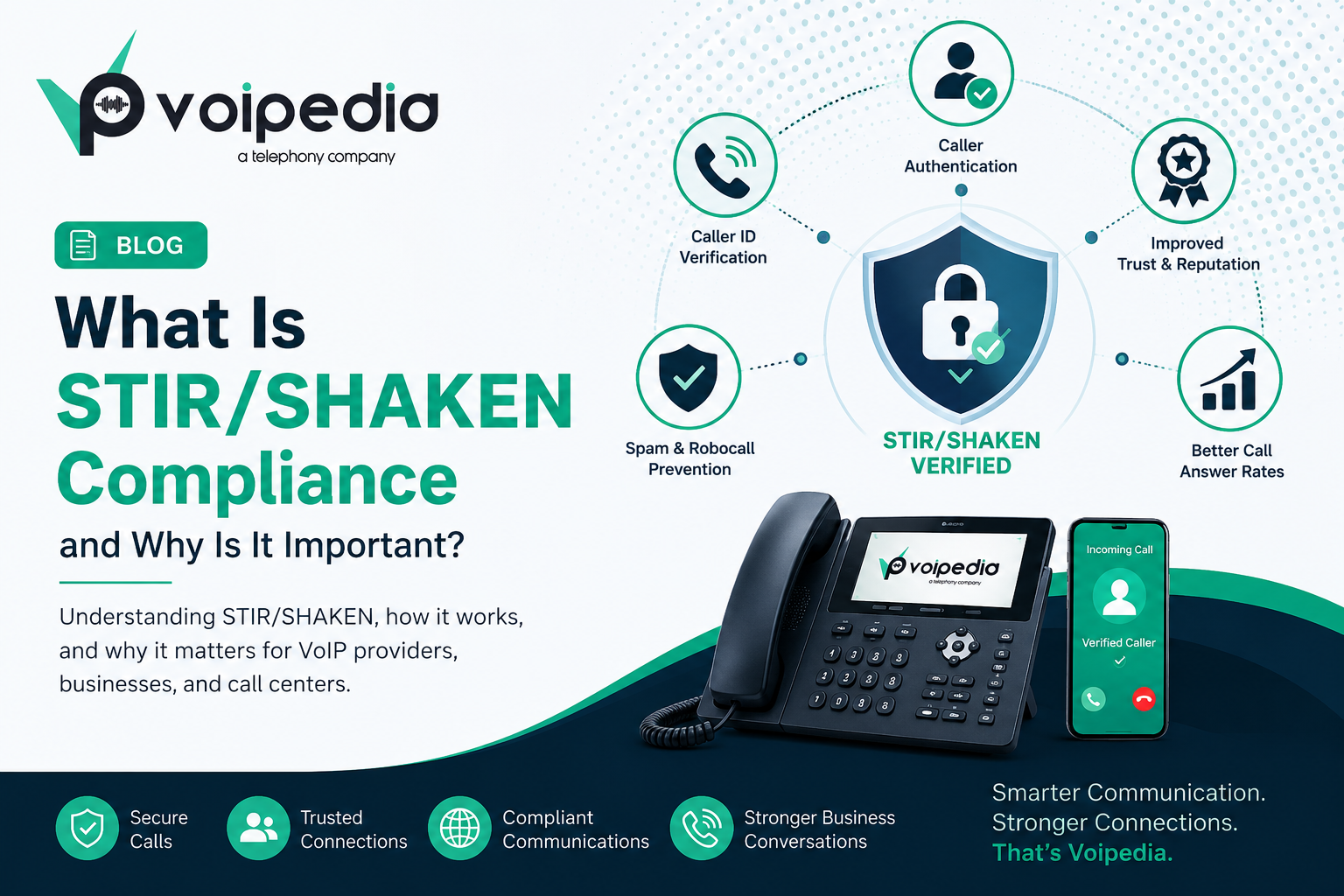
This is the issue that actually derails PH-based outbound campaigns, and it’s rarely explained clearly. US carriers score every inbound call using STIR/SHAKEN (the FCC’s caller ID authentication framework), which attaches an attestation level based on how confident the originating carrier is that the caller actually owns the number it’s displaying.

Attestation Levels Explained

Attestation Level What It Means Typical Philippine BPO Scenario
A — Full Carrier verifies the customer’s identity and confirms the customer is authorized to use the calling number Achievable when a SIP trunk provider verifies number ownership directly under the BPO’s business account
B — Partial Carrier verifies the customer’s identity but cannot confirm the customer owns the calling number Common when a BPO leases US DIDs through its SIP trunk provider under a documented, verified account
C — Gateway Carrier can only verify where the call entered the US network, not who originated it Default outcome for traffic entering through an international gateway with no visibility into the originating customer — this is where most unmanaged PH-to-US traffic lands

Fixing the Attestation Problem

Gateway (C) attestation is exactly what triggers Spam Likely and Scam Likely labels on the receiving end, even when the agent making the call is legitimate. It isn’t a penalty for calling from the Philippines — it’s a consequence of the trunk provider not being able to prove number ownership to the US carrier. The fix is choosing a provider who documents number ownership under your business account and signs traffic to achieve B or A attestation rather than defaulting every call to gateway status. Our STIR/SHAKEN compliance guide covers the framework in more depth, and if outbound campaigns are also subject to US TCPA/DNC rules, our TCPA and DNC compliance checklist is worth reviewing alongside this. This is general technical information, not legal advice — confirm specific compliance obligations with qualified counsel or the relevant regulator.

DID Numbers and Toll-Free Numbers for Inbound Support

Inbound is a separate design decision from outbound, and most Philippine BPOs need both number types rather than picking one:

  • DID numbers give individual agents, account managers, or departments a direct local number in the client’s country — useful for account-based support where a customer expects to reach the same line.
  • Toll-free numbers give the BPO’s client a single free-to-call hotline for general customer support, which is what most US consumers expect from a support line.

The tradeoffs between the two — cost structure, routing behavior, and use case — are covered in detail in our DID numbers vs. toll-free numbers comparison.

Choosing a SIP Trunk Provider for a Philippine BPO

Beyond price per minute, the questions that actually predict whether a provider will work at scale:

  1. Does the provider document and verify number ownership, or does every call default to gateway attestation?
  2. What concurrent channel and CPS limits does the trunk support, and do they match your dialer’s peak load, not just average load?
  3. Does the provider offer dedicated trans-Pacific routing, or generic international transit with unpredictable latency?
  4. Is support available during Philippine business hours, not just US time zones?
  5. Can the provider supply both DID and toll-free numbers under one account, or will inbound require a second vendor?

These are the same questions we work through with BPOs evaluating VoIPedia’s outbound calling, inbound calling, and cloud PBX solutions for Philippines-to-US operations.

FAQ

What is SIP trunking for a Philippine BPO?

SIP trunking connects a Philippine BPO’s PBX to the public telephone network over the internet, carrying multiple simultaneous calls without physical phone lines. It lets a BPO assign local numbers in a client’s country — such as a US area code — to Philippines-based agents, and scale call capacity up or down on demand.

Why do outbound calls from Philippine call centers get marked “Spam Likely”?

Most unmanaged traffic entering the US network from an international gateway receives only “Gateway” (C) attestation under STIR/SHAKEN, because the originating carrier can’t verify the caller actually owns the number being displayed. US carriers weight gateway attestation heavily when flagging calls as Spam Likely or Scam Likely. Using a trunk provider that verifies number ownership under your business account reduces this.

Which codec is better for Philippines-to-US SIP trunks, G.711 or G.729?

G.711 delivers the highest audio quality but uses about 64 kbps per call; G.729 compresses to roughly 8 kbps with a small quality tradeoff. High-density BPO floors with shared or limited bandwidth generally default to G.729, while smaller offices with strong dedicated bandwidth can use G.711.

Can a Philippine BPO use US toll-free numbers?

Yes. US toll-free numbers (800, 888, 877, 866, 855, 844, 833) can be provisioned through a SIP trunk provider and delivered to Philippines-based agents like any other inbound number, letting US customers call a free-to-them support line answered offshore.

What’s the difference between SIP registration and IP authentication?

SIP registration authenticates a trunk connection with a username and password, useful when the PBX’s public IP address changes. IP authentication whitelists a specific static IP address, common for dedicated data-center connections. Most providers support both at once.

What latency should a Philippines-to-US SIP trunk expect?

Round-trip latency typically runs 150–220ms, mostly driven by submarine cable routing. This range supports clean call quality when paired with a properly configured jitter buffer, usually in the 60–120ms range.

Do Philippine BPOs need to comply with US STIR/SHAKEN rules?

STIR/SHAKEN attestation is applied by the carriers handling a call within the US telephone network, including calls originating internationally that enter through a US gateway. A Philippine BPO doesn’t sign the call itself, but the SIP trunk provider’s ability to verify number ownership directly affects whether the BPO’s calls get flagged as spam on the receiving end.

What is CPS and why does it matter for outbound dialing?

CPS (Calls Per Second) is the rate at which a trunk can accept new outbound call attempts before throttling them. A high-volume dialer campaign that exceeds a trunk’s CPS limit will see calls queue, delay, or fail outright — regardless of how many concurrent channels are available.

Getting SIP Trunking for Philippine BPOs Right From Day One

Codec choice and latency are solvable with configuration. Caller ID attestation isn’t — it has to be built into the trunk provider relationship from the start, or every outbound campaign inherits the same Spam Likely problem. Explore The VoIPedia’s SIP trunking, DID, and toll-free solutions built for Philippines-to-US call center operations, or talk to our team about setting up trunks with proper caller ID attestation from day one.

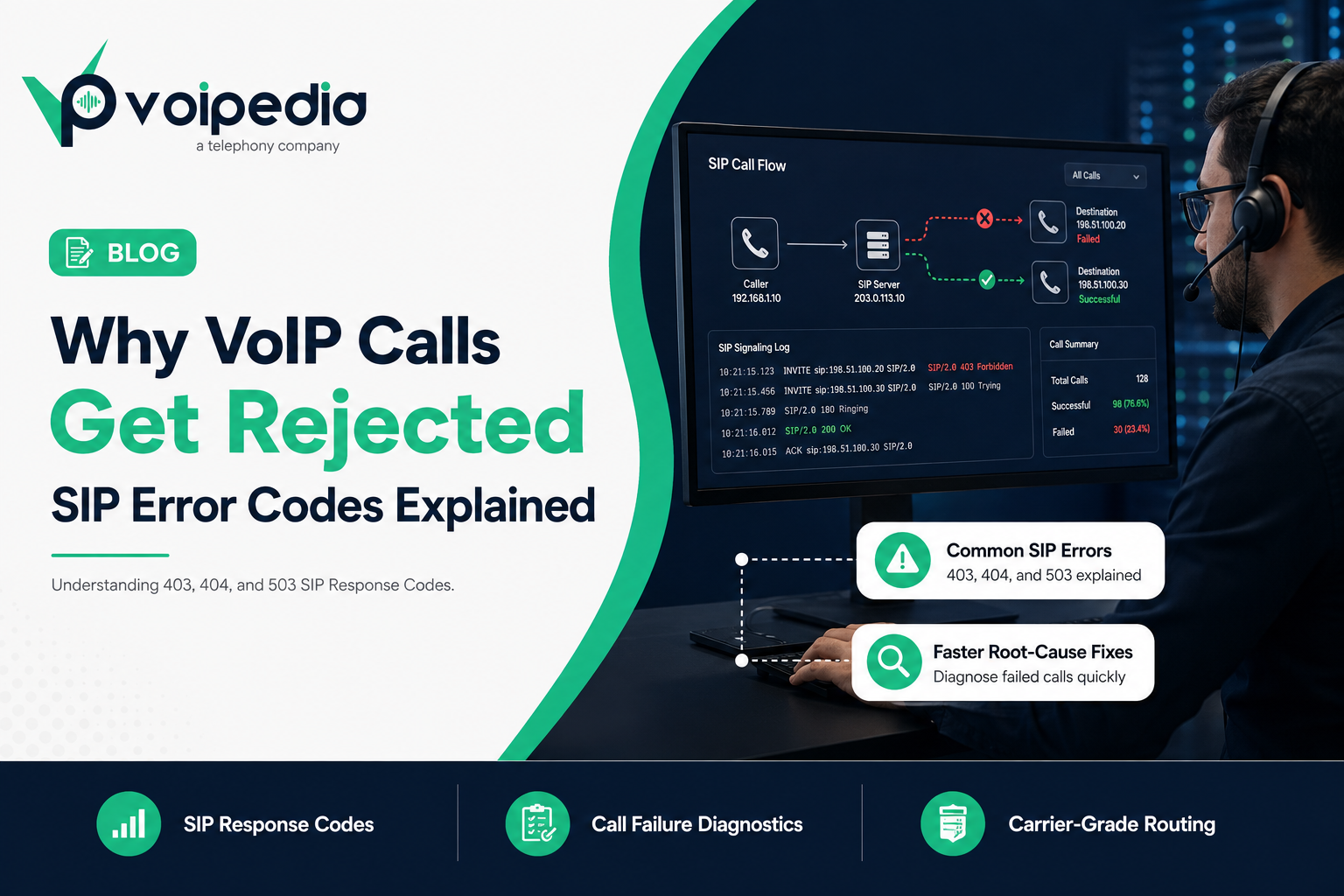
Why VoIP Calls Get Rejected: SIP Error Codes Explained (403 vs 404 vs 503)

Why do VoIP calls get rejected? Because a VoIP call doesn’t just “fail.” It fails with a reason, and that reason is a SIP response code. When a call center’s outbound campaign suddenly drops from a 95% connect rate to 60%, or a customer can’t reach your support line, the SIP signaling log almost always has the answer sitting in plain sight. The problem is that most teams see codes like 403, 404, or 503 and have no idea what they actually mean, so they escalate a routing misconfiguration as if it were a carrier outage, or the other way around.

This guide breaks down exactly why VoIP calls get rejected, what the most common SIP error codes mean, and how to diagnose and fix them before they damage your Answer Seizure Ratio (ASR) or your customers’ trust in your phone system.

Key Takeaways: Why VoIP Calls Get Rejected

  • SIP error codes are three-digit responses defined by RFC 3261, the IETF standard for SIP, that tell you exactly why a call setup attempt failed.
  • 403 Forbidden almost always means an authentication, IP whitelist, or policy rejection: the request was valid, but the receiving server refuses to allow it.
  • 404 Not Found means the destination number, extension, or domain doesn’t exist on the server that received the request, usually a routing or DID configuration issue.
  • 503 Service Unavailable means the destination server is temporarily unable to accept the call, often due to overload, maintenance, or exceeding a Calls-Per-Second (CPS) limit.
  • Repeated SIP failures directly lower your ASR (Answer Seizure Ratio) and inflate PDD (Post-Dial Delay), both of which are core call center telecom KPIs.
  • Most rejected-call issues are fixable in minutes once you know which SIP response class you’re dealing with: 4xx (client error), 5xx (server error), or 6xx (global failure).

What Is a SIP Response Code?

A SIP (Session Initiation Protocol) response code is a three-digit status code that a SIP server or endpoint sends back after receiving a call setup request, such as an INVITE. It tells the originating side exactly what happened to the call attempt: whether it succeeded, was rejected, timed out, or hit a server error. SIP response codes are standardized in RFC 3261 and grouped into classes (1xx through 6xx), similar in concept to HTTP status codes on the web.

How a VoIP Call Actually Sets Up (Quick Primer)

Before troubleshooting error codes, it helps to know where they show up. A VoIP call begins when the originating device or softswitch sends a SIP INVITE to the destination server. That server responds with a chain of provisional and final responses:

  1. 100 Trying: the server received the request and is processing it.
  2. 180 Ringing: the destination is alerting the called party.
  3. 200 OK: the call was answered; media (RTP) can now flow.
  4. Or, instead of ringing, the server can immediately return a rejection code. This is where 403, 404, 503, and similar errors appear.

If the call fails before audio ever starts, the cause is almost always in SIP signaling: authentication, routing, or capacity, not in codecs, jitter, or RTP packet loss, which only affect calls that have already connected.

Why VoIP Calls Get Rejected: The Most Common Causes

Cause Typical SIP Code Where It Happens
Wrong username/password or expired registration 401 / 403 Authentication layer
Calling from an IP not on the trunk’s allowed list 403 IP-based trunk authentication
Dialed number doesn’t exist or isn’t routed 404 Destination/DID routing
Callee is busy or actively declines 486 Destination endpoint
Call not answered in time 408 / 480 Destination endpoint
Carrier or gateway overloaded, exceeded CPS limit 503 Server/carrier capacity
Number blocked for suspected spam/robocalling 608 Terminating carrier policy
Malformed request or unsupported media 400 / 488 SIP message formatting

SIP Error Codes Explained: 403 vs 404 vs 503

SIP 403 Forbidden

What it means: The server understood the request but refuses to fulfill it. This is a policy decision, not a technical error: your credentials, IP address, or the call itself has been explicitly denied.

Common causes:

  • Incorrect SIP trunk username or password
  • Calling from an IP address not registered on an IP-authenticated trunk
  • The terminating carrier blocking a caller ID or number range for compliance reasons
  • Geo-restrictions or blocked destination codes on the account

How to fix it: Verify trunk credentials, confirm the originating IP matches what’s registered with your provider, and check whether the destination carrier has flagged the caller ID. If you manage SIP trunking for a high-volume call center, confirm your outbound IPs haven’t changed after a failover or scaling event. A stale IP whitelist is one of the most common causes of a sudden spike in 403s.

SIP 404 Not Found

What it means: The server could not find the user, extension, or domain specified in the request. The number simply isn’t recognized by whichever server received it.

Common causes:

  • The dialed number isn’t provisioned or has been deactivated
  • Inbound DID routing isn’t configured correctly on your PBX or SIP trunk
  • A typo or formatting error in the dialed number (missing country code, extra digit)
  • The number was ported and routing wasn’t updated on the new carrier

How to fix it: For inbound calls, confirm the DID is active and correctly mapped to an extension or queue in your inbound call routing. For outbound calls, verify the dial plan is formatting numbers correctly (E.164 format is the safest default) before they’re sent to the carrier.

SIP 503 Service Unavailable

What it means: The server is temporarily unable to handle the request. Unlike 403 and 404, this usually isn’t about the specific call. It’s about capacity or availability on the receiving side.

Common causes:

  • The carrier or gateway is overloaded
  • You’ve exceeded your Calls-Per-Second (CPS) limit for outbound calling, and the carrier is throttling you
  • Scheduled maintenance on the terminating switch
  • A misconfigured failover route with no healthy destination available

How to fix it: Check your current CPS against your provider’s contracted limit. This is the single most common cause of 503s in outbound dialing environments like predictive dialers. If CPS isn’t the issue, confirm failover/backup routes are configured so calls don’t dead-end when a primary carrier path is down.

How SIP Errors Impact Call Center KPIs

Rejected calls aren’t just an annoyance. They directly move the metrics that call center operations teams are measured on:

  • ASR (Answer Seizure Ratio): The percentage of call attempts that result in an answered call. Every 403, 404, or 503 lowers your ASR, even if the underlying issue is a five-minute configuration fix.
  • PDD (Post-Dial Delay): The time between dialing and hearing ringback or answer. Retries after failed attempts, or carriers that take several seconds to return a 503 under load, inflate PDD and frustrate agents and customers alike.
  • ACD (Average Call Duration): Indirectly affected. High rejection rates often push campaigns toward redialing logic that shortens effective talk time per agent hour.
  • CPS (Calls Per Second): Directly causes 503s when exceeded, making it both a cause and a downstream symptom worth monitoring in real time.

SIP Signaling Errors vs. Call Quality Issues

It’s worth separating “the call never connected” from “the call connected but sounded bad.” They have different causes and different fixes.

SIP Signaling Errors (403/404/503) Call Quality Issues (Jitter/Packet Loss/One-Way Audio)
When it happens Before the call connects After the call connects
Protocol involved SIP RTP (media transport)
Typical cause Auth, routing, capacity Network congestion, codec mismatch, NAT/firewall
Where to look SIP signaling log RTP stream / codec negotiation
Fix category Trunk config, DID routing, CPS limits QoS, bandwidth, codec selection (G.711 vs G.729)

Step-by-Step: Troubleshooting Why VoIP Calls Get Rejected

  1. Pull the SIP trace. Every reputable SIP trunk provider gives you access to call logs showing the exact response code returned.
  2. Identify the response class. 4xx means something’s wrong with the request or credentials; 5xx means something’s wrong on the server/carrier side; 6xx means a global refusal (e.g., number permanently blocked).
  3. Check authentication first for 401/403. Confirm username, password, and IP whitelist match your provider’s records exactly.
  4. Check the dial plan and DID mapping for 404. Confirm the number format and that the destination is actually provisioned.
  5. Check CPS and carrier status for 503. Compare your current call attempt rate to your contracted CPS limit.
  6. Escalate to your carrier with the exact code and timestamp. A precise report (“we received 503 from your gateway at 14:02 UTC on trunk X”) gets resolved far faster than “calls aren’t going through.”

FAQ

Why do VoIP calls get rejected in the first place?

VoIP calls get rejected when a SIP server responds to a call setup request with an error code instead of connecting the call, most commonly because of failed authentication (403), an unrecognized destination (404), or a carrier that’s temporarily overloaded (503).

What does SIP error 403 mean?

SIP 403 Forbidden means the server received your call request but refused it as a policy decision, typically due to failed authentication, an unrecognized IP address, or a blocked caller ID.

What does SIP error 404 mean?

SIP 404 Not Found means the destination number, extension, or domain wasn’t recognized by the server handling the request, usually a routing, provisioning, or dial-format issue.

What does SIP error 503 mean?

SIP 503 Service Unavailable means the receiving server or carrier is temporarily unable to process the call, often due to overload, maintenance, or the caller exceeding their allowed Calls-Per-Second rate.

Why do my outbound calls fail only during peak hours?

This pattern usually points to a CPS limit being exceeded, which the carrier enforces with 503 responses. Check your dialer’s concurrent call and CPS settings against your provider’s contracted limits.

Is a SIP error code the same as a “Spam Likely” label?

No. SIP error codes describe call setup failures at the signaling layer. “Spam Likely” labeling is a caller ID reputation and analytics issue tied to STIR/SHAKEN attestation and carrier analytics, not a rejected SIP request, though a severely flagged number can also be blocked outright with a 608 response.

Can a firewall cause SIP calls to be rejected?

Yes. A misconfigured firewall or NAT device can block SIP signaling or RTP media entirely, which may appear as timeouts or 408 errors rather than a clean 403 or 404, since the request never reaches the destination server at all.

Does a 503 error mean the carrier is down?

Not necessarily. A 503 more often means the carrier is temporarily throttling or rejecting calls due to load or a CPS violation on your account, rather than a full outage. Persistent 503s across all destinations are more likely to indicate an actual carrier-side issue.

How do I prevent SIP 403 errors after switching carriers or IPs?

Update your IP whitelist and re-verify SIP credentials with your new provider before cutting traffic over, and keep a documented record of every registered IP so a network change doesn’t silently break authentication.

Conclusion

Now you know why VoIP calls get rejected: a 403 points to authentication or policy, a 404 points to routing, and a 503 points to capacity. Three very different fixes hiding behind three numbers. Building the habit of checking the SIP trace first, before assuming a carrier outage or blaming call quality, is what separates teams that resolve call failures in minutes from teams that spend hours guessing.

For call centers running high call volumes, these failures compound fast. A CPS-driven 503 during a peak campaign hour can silently tank a day’s ASR. Explore The VoIPedia’s SIP trunking solutions built for high-volume call centers to reduce rejected calls with properly provisioned capacity, monitored routing, and carrier-grade reliability.

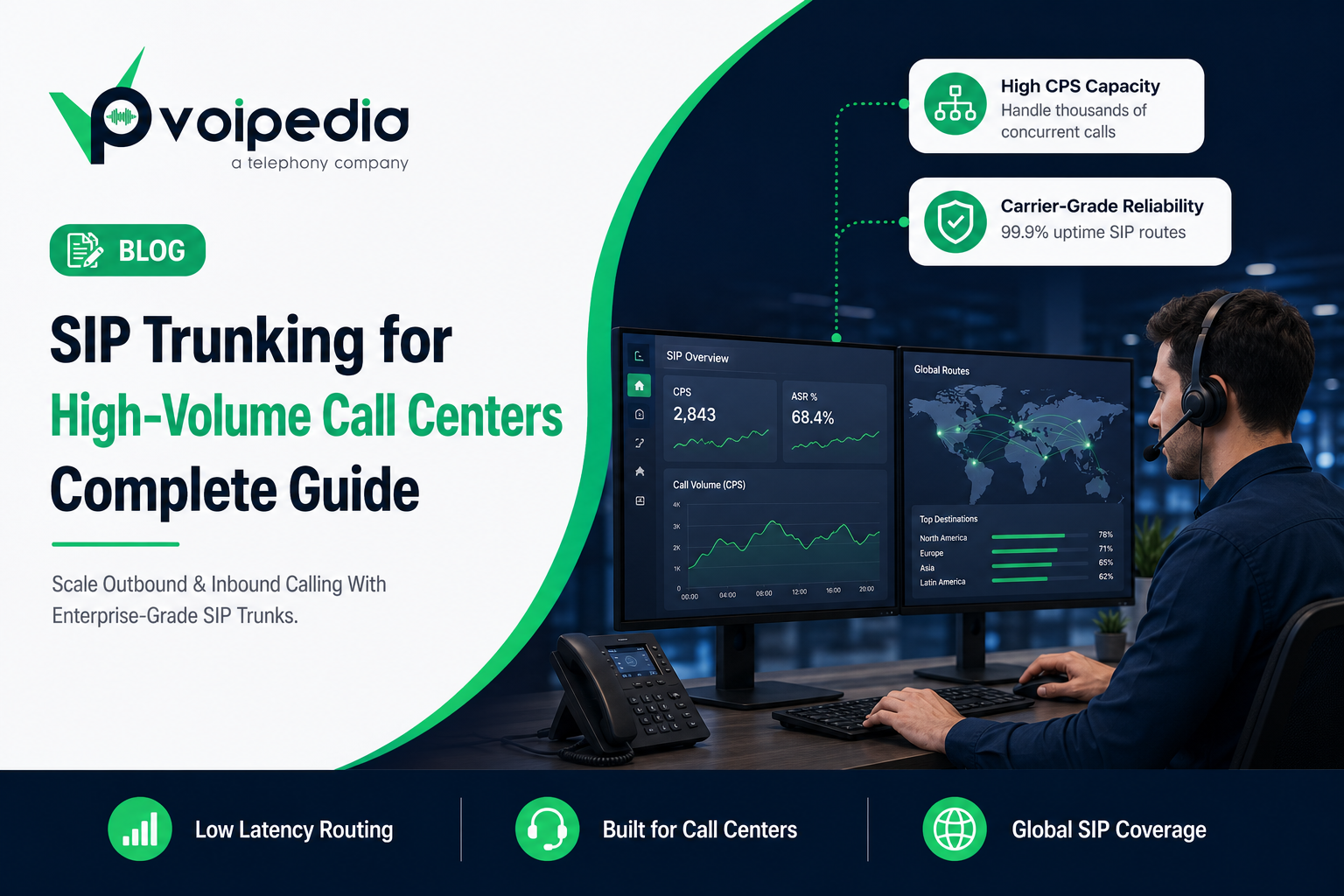
SIP Trunking for High-Volume Call Centers: Complete Guide

Choosing the right SIP trunking for call centers determines whether a dialer can hit peak call volume without dropped connections, throttled campaigns, or caller ID getting flagged as spam. This guide covers the metrics, sizing math, and features that separate generic SIP trunking from trunking actually built for call center traffic.


Key Takeaways

  • SIP trunking replaces physical phone lines with a virtual, internet-based connection that carries call center voice traffic over SIP (Session Initiation Protocol).
  • High-volume call centers need trunks sized for CPS (Calls Per Second), not just concurrent channel count — undersized CPS causes dropped dial attempts during peak hours.
  • Core health metrics to track are ASR (Answer-Seizure Ratio), ACD (Average Call Duration), PDD (Post-Dial Delay), jitter, and packet loss.
  • SIP trunks are generally more scalable and cost-efficient than PRI circuits, since capacity is added in software rather than physical hardware.
  • STIR/SHAKEN caller ID authentication and CNAM/CLI management directly affect answer rates for outbound call centers.
  • Redundant routing and automatic failover are non-negotiable for call centers where downtime means lost revenue.

What Is SIP Trunking for Call Centers?

SIP trunking is a method of delivering voice calls over an internet connection using the Session Initiation Protocol (SIP) instead of traditional copper phone lines or PRI circuits. A SIP trunk connects a business’s PBX or contact center platform to the public telephone network through a VoIP provider, allowing calls to be placed and received as digital data. For call centers, SIP trunking replaces fixed-line capacity with flexible, on-demand channels that scale with call volume.

Unlike a traditional phone line, a SIP trunk isn’t tied to a physical wire count. Capacity is defined by how many simultaneous calls (channels) and how many call attempts per second (CPS) the trunk is provisioned to handle — both of which can typically be adjusted without new hardware.

Why SIP Trunking for Call Centers Needs to Be Purpose-Built

A five-person office and a 200-seat outbound call center both use “SIP trunking,” but the traffic patterns are completely different. Call centers — especially those running predictive or progressive dialers — generate short bursts of many simultaneous call attempts, high daily call volume, and a much higher ratio of unanswered calls (no-answer, busy, voicemail) compared to a typical business line.

Generic SIP trunking, sized for standard office use, breaks down under these patterns in three common ways:

1. CPS Throttling

CPS (Calls Per Second) is the number of new call attempts a trunk can originate or receive each second. Predictive dialers can generate large bursts of outbound attempts in short windows. If a trunk’s CPS limit is too low, excess call attempts are queued or rejected outright, which shows up as dialer inefficiency rather than an obvious network fault.

2. Channel Exhaustion

Each simultaneous call — inbound or outbound — occupies one channel. If a call center runs out of available channels during a peak period, new calls simply cannot connect until a channel frees up, resulting in missed inbound calls or stalled outbound campaigns.

3. Caller ID and Answer Rate Problems

High-volume outbound dialing from a small pool of Caller ID (CLI) numbers is a common trigger for carriers and analytics platforms to label calls as “Spam Likely” or “Scam Likely.” Without proper STIR/SHAKEN attestation, CNAM registration, and CLI rotation practices, outbound call centers can see answer rates decline even when call quality itself is fine.

Key Metrics That Define Call Center SIP Trunk Performance

Call center operations teams typically monitor a specific set of SIP trunk metrics to catch problems before they affect campaign performance or customer experience.

Metric What It Measures Why It Matters for Call Centers
CPS (Calls Per Second) New call attempts originated/received per second Undersized CPS throttles dialer output during peak campaigns
ASR (Answer-Seizure Ratio) % of call attempts that are answered Low ASR signals routing issues, bad number data, or carrier blocking
ACD (Average Call Duration) Average length of connected calls Helps forecast trunk capacity and agent staffing needs
PDD (Post-Dial Delay) Time between dialing and the call connecting or ringing High PDD frustrates agents and increases abandonment on outbound dialers
Jitter Variation in the time between arriving audio packets High jitter causes choppy or garbled call audio
Packet Loss % of audio (RTP) packets that never arrive Directly degrades voice clarity and can cause dropped calls
MOS (Mean Opinion Score) 1–5 estimate of perceived call quality A single, easy benchmark for overall call clarity

Most of these metrics are visible in a SIP trunk provider’s real-time dashboard or CDR (Call Detail Record) reporting. Tracking them over time — not just in the moment — makes it possible to spot a slowly degrading route before it causes a full outage.

SIP Trunking vs. PRI vs. Traditional Phone Lines

Many call centers migrating off legacy infrastructure are comparing SIP trunking to PRI (Primary Rate Interface) circuits or analog lines. Here’s how they differ in practice.

Factor SIP Trunking PRI Analog Lines
Capacity scaling Adjusted in software, often same-day Fixed at 23 channels per circuit; adding capacity means new hardware One line = one call, no scaling
Infrastructure Internet/data connection Dedicated physical circuit from a carrier Dedicated physical copper line
Geographic flexibility Works anywhere with internet access; supports remote/distributed agents Tied to the physical location of the circuit Tied to the physical line
Disaster recovery Can reroute to backup locations or cloud failover Limited; tied to physical circuit and location No built-in failover
Typical cost structure Pay for channels/usage actually needed Pay for the full 23-channel block regardless of usage Per-line recurring cost

How to Size SIP Trunk Capacity for a Call Center

Under-provisioning a SIP trunk is one of the most common causes of call center connectivity issues. Two numbers matter most: concurrent channels and CPS.

Estimating Concurrent Channels

A commonly used starting formula is:

Concurrent Channels ≈ Number of Agents × Peak Concurrency Rate

Peak concurrency rate varies by call center type — a blended inbound/outbound floor typically runs lower than a pure predictive-dialer outbound floor, since dialers intentionally generate more simultaneous attempts than there are available agents. Outbound-heavy operations often provision noticeably more channels than agent seats to account for no-answers, voicemail detection, and abandoned calls.

Estimating CPS Requirements

CPS needs are driven by how quickly a dialer places new call attempts, not by headcount alone. A predictive dialer generating fast bursts of outbound attempts needs meaningful CPS headroom above its average rate — otherwise legitimate call attempts get queued or dropped during the burst, which looks like a dialer or carrier problem but is actually a trunk-sizing issue.

The safest approach is to request current CDR/CPS reporting from your existing provider (or run a controlled test with a new one) rather than guessing, since actual traffic patterns vary widely between inbound support desks, outbound sales floors, and blended BPO operations.

Must-Have Features in SIP Trunking for Call Centers

  • Redundant routing and automatic failover — calls reroute through a secondary carrier path if a route degrades or fails, instead of dropping.
  • High CPS capacity with headroom — sized for burst traffic from dialers, not just steady-state volume.
  • STIR/SHAKEN attestation and CNAM/CLI management — supports caller ID trust and helps prevent legitimate business calls from being flagged as spam.
  • Real-time CDR and quality reporting — visibility into ASR, PDD, jitter, and packet loss without waiting on a support ticket.
  • Geographic and carrier route diversity — multiple underlying carrier paths reduce the risk of a single point of failure.
  • DID and toll-free number support — the ability to provision local and toll-free numbers alongside trunk capacity for inbound campaigns.

SIP Trunk Pricing Models

SIP trunk pricing is generally structured in one of a few common ways, and call centers should evaluate which model fits their calling pattern:

  • Per-channel pricing — a flat rate per concurrent channel, regardless of usage. Predictable for steady, high-utilization floors.
  • Per-minute (usage-based) pricing — billed on actual call minutes. Can suit lower-volume or highly seasonal operations.
  • Hybrid/committed models — a base channel commitment with usage-based billing beyond that threshold, common for call centers with variable but substantial volume.

Because rates vary by destination, traffic type (outbound vs. toll-free vs. international), and volume commitment, call centers should request quotes based on their actual CPS, channel, and destination mix rather than comparing generic list prices.

Frequently Asked Questions

What is SIP trunking used for in a call center?

SIP trunking connects a call center’s PBX or dialer platform to the public phone network over the internet, replacing physical phone lines. It’s used to handle both inbound customer calls and outbound campaign dialing at scale, without adding physical circuits for every increase in volume.

How many concurrent calls can a SIP trunk handle?

This depends entirely on how the trunk is provisioned — capacity is defined by the number of channels purchased, not a fixed physical limit like a PRI’s 23 channels. Call centers should size channels based on peak concurrent call volume, including outbound attempts that don’t connect.

What is a good ASR for a call center SIP trunk?

ASR benchmarks vary by campaign type, list quality, and destination, so there is no single universal number. A sudden or sustained drop in ASR compared to a trunk’s own historical baseline is generally a stronger signal of a routing or carrier issue than comparing against a generic industry figure.

Is SIP trunking cheaper than PRI for call centers?

Often, yes — SIP trunking lets a call center pay for the channels and usage it actually needs and scale up or down without new hardware, while PRI circuits are sold in fixed 23-channel blocks regardless of utilization. Actual savings depend on call volume, destinations, and the provider’s pricing model.

Why do our outbound calls show up as “Spam Likely”?

This is typically caused by high call volume from a small set of Caller ID numbers, missing STIR/SHAKEN attestation, or no CNAM registration — patterns that call analytics apps and carriers associate with robocalling. Proper caller ID authentication and CLI management reduce (but don’t guarantee elimination of) spam labeling.

What’s the difference between SIP trunk origination and termination?

Termination refers to carrying outbound calls from your call center to the called party. Origination refers to carrying inbound calls from a caller to your call center. Most call center SIP trunk packages include both directions, but they can have different pricing, routing, and quality considerations.

Do remote or distributed call center agents need different SIP trunking?

Not necessarily a different trunk, but distributed agents add more dependency on each agent’s individual internet connection quality, since SIP trunking is internet-based. Centralized SIP trunking still works for distributed teams, but call quality troubleshooting needs to account for each agent’s local network, not just the trunk itself.

Conclusion

SIP trunking gives call centers the flexibility to scale voice capacity with demand instead of being boxed in by fixed physical circuits — but only when the trunk is actually sized and configured for call center traffic patterns. Getting CPS, channel capacity, caller ID authentication, and failover right up front prevents the kind of connectivity issues that quietly erode dialer efficiency and customer experience.

Explore The Voipedia’s Outbound Calls solutions for high-volume dialing, or see how Inbound Calls and Cloud PBX fit into a complete call center communication stack. For caller trust and compliance context, see our guide on STIR/SHAKEN compliance.

Talk to The Voipedia about SIP trunking built for high-volume call center traffic.

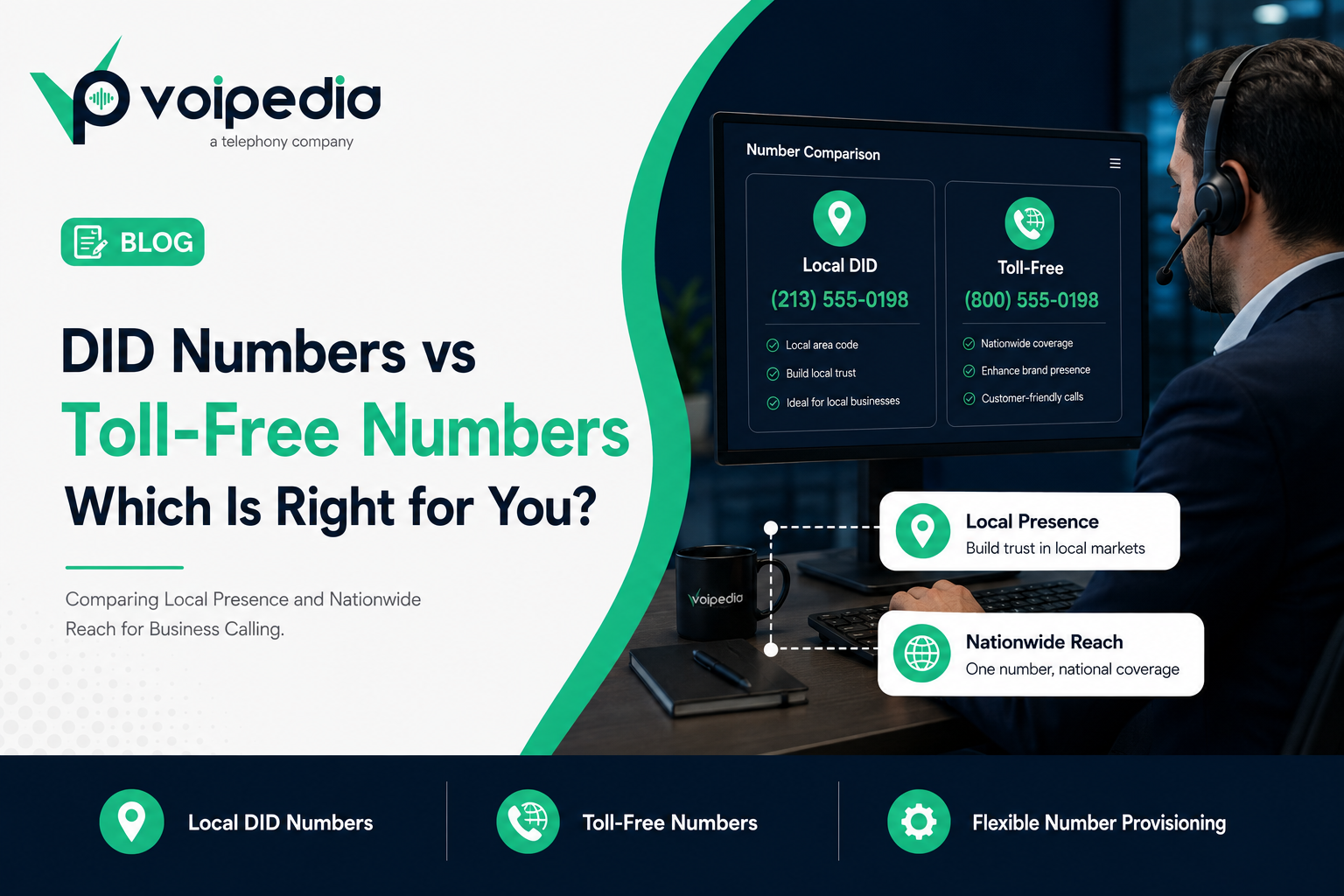
DID Numbers vs Toll-Free Numbers: Which Is Right for Your Business?

DID vs toll-free numbers: which should your business actually use? The honest answer is: it depends on who’s calling whom, and who you want to look like when they do. A DID (Direct Inward Dialing) number gives you a local or international presence tied to a specific city or country code. A toll-free number gives you one nationally recognized line where the business, not the caller, pays for the call. Most growing call centers and B2B companies eventually need both, but picking the wrong one first can quietly cost you answer rate, trust, or budget. This guide breaks down exactly how DID numbers and toll-free numbers differ, when each one wins, and how the decision changes once you’re provisioning numbers across markets like the United States, Brazil, the Philippines, and Egypt.

Key Takeaways: DID Numbers vs Toll-Free Numbers

  • A DID number is a local or direct phone number tied to a specific city, region, or country code, routed straight to your PBX, agent, or call queue without going through a receptionist or operator.
  • A toll-free number (800, 888, 877, 866, 855, 844, or 833 in the US) lets callers reach your business at no cost to them, with the business covering the call charges instead.
  • DID numbers build local trust and typically cost less per line, making them well suited to outbound calling, local-presence strategies, and multi-city expansion.
  • Toll-free numbers project a national, established brand image and remove any cost barrier for inbound callers, making them well suited to customer support, sales lines, and marketing campaigns.
  • Most call centers and BPOs use both: DID numbers for outbound and regional presence, toll-free for the primary inbound support or sales line.
  • For international operations, DID number availability and requirements vary by country, so businesses expanding into markets like Brazil, the Philippines, or Egypt need country-specific numbers, not just a US toll-free line.

What Is a DID Number?

A DID (Direct Inward Dialing) number is a phone number that routes calls directly to a specific extension, agent, or department on your PBX or SIP trunk, without requiring a shared switchboard. DID numbers use standard local or national area codes, so they look and function like an ordinary phone number tied to a specific city or country.

What Is a Toll-Free Number?

A toll-free number is a phone number, using a reserved code such as 800 or 888 in the US, that callers can dial for free, with the called business paying for the airtime instead of the caller. Toll-free numbers aren’t tied to any specific city, only to a country, so the same number works nationwide.

DID Numbers vs Toll-Free Numbers: Side-by-Side Comparison

Here’s how DID vs toll-free numbers stack up across the factors that actually affect a business phone strategy:

DID (Local) Numbers Toll-Free Numbers
Who pays for the call Shared between caller and business (standard call rates) The business (caller pays nothing)
Geographic association Tied to a specific city, region, or country code Tied to a country, not a specific city
Caller perception Feels local and familiar in that region Feels established and nationally accessible
Best for Outbound dialing, local-presence strategy, multi-city or multi-country expansion Inbound support, sales lines, national marketing campaigns
Typical cost structure Lower per-number cost, billed at local/standard rates Higher, usage-based billing since the business absorbs call charges
Scalability across markets Easy to provision many numbers across many cities/countries Typically one or a small number of lines per country
Works well with Cloud PBX, outbound dialers, click-to-call, regional sales teams Customer support queues, IVR, brand advertising

When to Choose DID (Local) Numbers

DID numbers make the most sense when local familiarity or per-city presence matters more than nationwide recognition:

  • Outbound sales and collections calling, where a recognizable local area code makes prospects more comfortable answering an unfamiliar call.
  • Expanding into new cities or countries without opening a physical office, by provisioning a local number for each market.
  • Call centers running region-specific campaigns, where each campaign or client needs its own dedicated line for tracking and caller ID purposes.
  • Cost-sensitive high-volume operations, where per-line DID pricing is typically lower than toll-free usage-based billing.

When to Choose Toll-Free Numbers

Toll-free numbers are the better fit when accessibility and brand consistency matter more than local presence:

  • Customer support and helpdesk lines, where removing any cost barrier for the caller reduces friction.
  • National marketing and advertising campaigns, where a single memorable number needs to work the same way regardless of where the customer is calling from.
  • Businesses without a specific regional identity, where a local area code would be arbitrary rather than meaningful.
  • Sales lines meant to look established, since a toll-free number is still widely associated with larger, more permanent businesses.

Using DID and Toll-Free Numbers Together

In practice, the DID vs toll-free numbers decision usually isn’t either/or. Most call centers and growing B2B companies don’t pick one over the other, they layer both into their number strategy. A common setup: a single toll-free number as the primary inbound line for the brand’s main support or sales queue, combined with local DID numbers assigned to outbound campaigns, regional offices, or specific agents. This gives inbound callers a consistent, cost-free number to remember, while outbound campaigns get the local-presence advantage that improves live answer rates. If you’re running outbound calling campaigns alongside a support line, this hybrid model is usually the more effective starting point than committing entirely to one number type.

International DID Numbers: Brazil, the Philippines, and Egypt

A US toll-free number doesn’t automatically give you a local presence, or even guaranteed reachability, in every country you do business with. Businesses expanding internationally generally need country-specific DID numbers alongside, or instead of, a toll-free line.

Brazil

Brazilian consumers are accustomed to local area-code numbers, and telecom numbering and portability in Brazil is regulated by ANATEL (Agencia Nacional de Telecomunicacoes). A local Brazilian DID number, mapped to the correct city code, reads as a legitimate local business rather than a foreign one, which matters for both sales outreach and customer support credibility.

Philippines

The Philippines is one of the largest BPO and contact-center markets in the world, and most outsourced operations there run on a mix of local Philippine DID numbers for domestic reach and international DID or toll-free numbers to serve clients’ customers abroad. For BPOs handling multiple client accounts, dedicated DID numbers per client or campaign also simplify call tracking and reporting.

Egypt

Egypt’s growing BPO and contact-center sector similarly relies on local DID numbers to serve the domestic market credibly, alongside international numbers for outbound or cross-border support operations. As with any international deployment, businesses should confirm current local numbering and routing requirements with their provider before launch, since requirements can change and this article isn’t a substitute for that verification.

Toll-Free Origination and Termination: What Businesses Should Know

Behind the scenes, toll-free calls rely on two distinct legs: toll-free termination, which is the process of routing an inbound call to the toll-free number’s owner, and toll-free origination, which covers how the call is set up and delivered from the caller’s carrier in the first place. In the US, toll-free numbers (referred to in the industry as “8YY” numbers, covering the 800/888/877/866/855/844/833 codes) are managed through a centralized registry, and calls are typically delivered over SIP trunks to the receiving business’s PBX or contact center platform. This matters operationally because toll-free call quality and reliability depend on the same signaling fundamentals as any other SIP-based call. If your toll-free line is dropping or rejecting calls, the same SIP response codes apply, see why VoIP calls get rejected for how to read those errors.

FAQ

What’s the main difference between a DID number and a toll-free number?

A DID number is tied to a specific local or regional area code and shares call costs between caller and business, while a toll-free number works nationwide under a reserved code and puts the full cost of the call on the business.

Are DID numbers cheaper than toll-free numbers?

Generally yes. DID numbers are typically billed at standard local or regional rates with lower per-line costs, while toll-free numbers are usage-based and the business absorbs the caller’s cost, which usually makes them more expensive at scale.

Can a business use both DID and toll-free numbers?

Yes, and most call centers do. A common approach is a toll-free number as the main inbound support or sales line, paired with local DID numbers for outbound campaigns, regional offices, or per-client tracking.

Do toll-free numbers work for international calls?

US toll-free numbers are generally only free to dial from within the US (and sometimes Canada). Callers dialing from other countries, or wireless callers without unlimited plans, may still be charged, and a US toll-free number does not substitute for a genuine local presence in another country.

Which is better for a call center: DID or toll-free numbers?

It depends on the call center’s mix of inbound and outbound work. Outbound-heavy operations benefit more from local DID numbers to improve live answer rates, while inbound support and sales queues typically perform better with a toll-free number as the primary line.

Do I need local DID numbers for every country I operate in?

If local trust, credibility, or in-country reachability matters for that market, yes, a local DID number is usually the better choice over relying solely on a foreign toll-free or international number.

What is a subscriber number?

Subscriber number is another common industry term for a direct local phone number assigned to a business or individual, functionally equivalent to a DID number, and used interchangeably by some providers, including The VoIPedia.

Conclusion

There’s no universally “better” answer to DID vs toll-free numbers, only a better fit for what the number needs to do. If the goal is local trust, cost efficiency, and multi-market expansion, DID numbers win. If the goal is nationwide accessibility and a consistent inbound brand line, toll-free wins. Most serious call center and B2B operations end up running both, deployed deliberately rather than defaulting to whichever number was easiest to buy first. The VoIPedia provides Dedicated Lines, Subscriber Numbers (DID), and Toll-Free Numbers across countries with active mobile or landline service, including the US, Brazil, the Philippines, and Egypt. Talk to The VoIPedia about building the right number mix for your call center or business expansion.

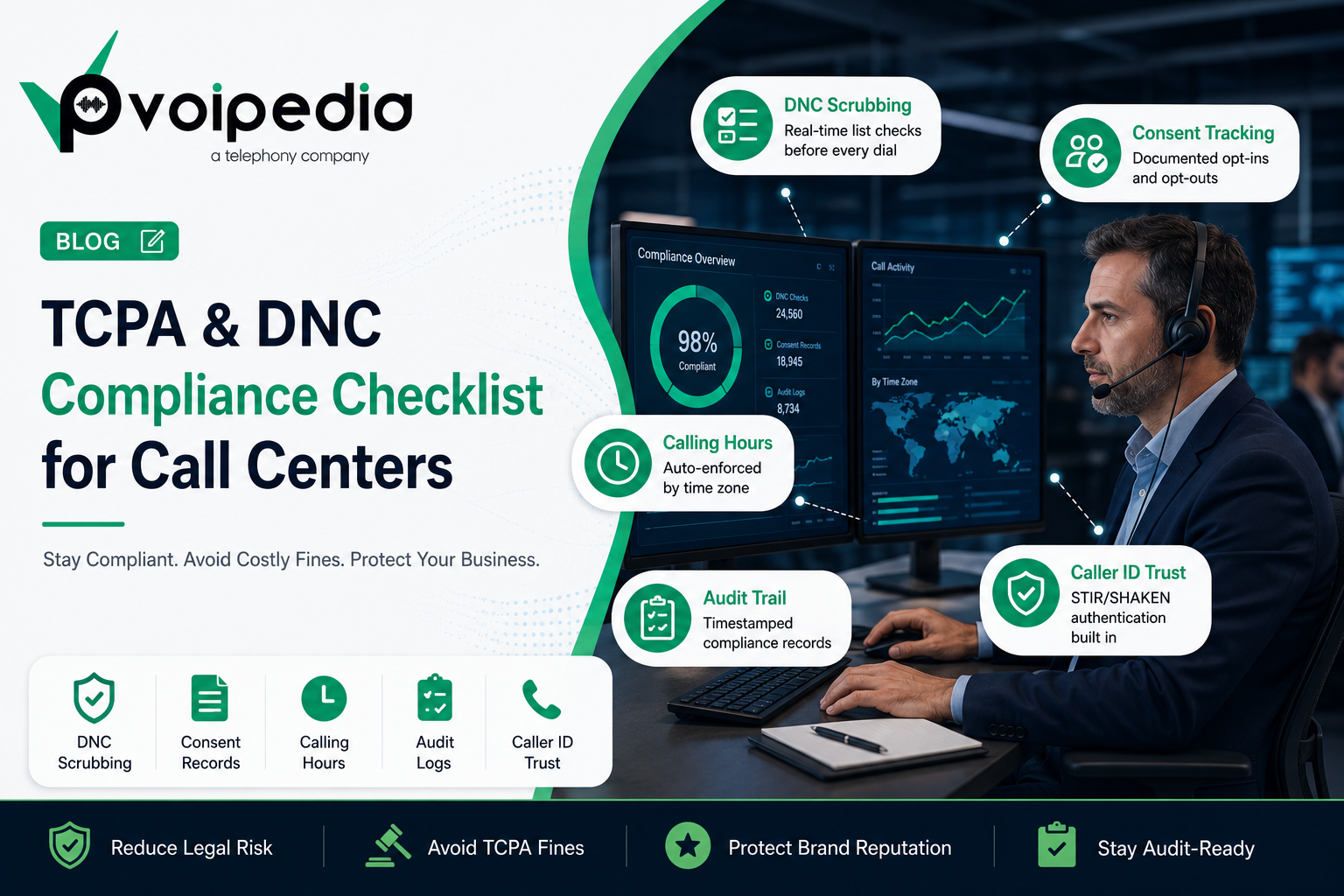
TCPA and DNC Compliance Checklist for VoIP Call Centers

TCPA and DNC Compliance Checklist for VoIP Call Centers

Running an outbound call center in 2026 without a documented TCPA and DNC compliance process isn’t just risky — it’s a financial liability that can shut a business down overnight. TCPA class action filings have surged in recent years, and a single non-compliant campaign touching a few thousand numbers can generate seven-figure exposure before anyone on your team even realizes there’s a problem.

This guide breaks down exactly what TCPA and DNC compliance require for VoIP call centers right now, what a violation actually costs, and a practical checklist you can run your operation against today.

What TCPA and DNC Compliance Actually Cover

The Telephone Consumer Protection Act (TCPA) and the Do Not Call (DNC) rules are often mentioned together, but they govern slightly different things, and most outbound call centers need to satisfy both.

The TCPA regulates how you’re allowed to contact someone — consent requirements, the use of autodialers and prerecorded or AI-generated voices, permitted calling hours, and a consumer’s right to sue directly if those rules are broken. DNC compliance governs whether you’re allowed to contact someone at all, based on the National Do Not Call Registry, state-level “mini-DNC” lists, and your own internal suppression list of people who’ve already asked not to be called.

A call center can violate one without violating the other, which is exactly why both need separate, documented processes rather than a single “we scrub our lists” policy.

What a Violation Actually Costs

The numbers here are worth internalizing because they change how seriously a call center needs to take this:

Federal TCPA violations carry $500 per call for ordinary violations, rising to $1,500 per call if a court finds the violation willful or knowing. There is no annual or per-campaign cap, which means a single bad campaign of 10,000 calls can theoretically expose a business to millions of dollars in statutory damages. DNC-specific violations under the FTC’s Telemarketing Sales Rule can run even higher, with maximum penalties reaching into the tens of thousands of dollars per call depending on the specific violation. State-level “mini-TCPA” laws in places like Connecticut, Florida, Oklahoma, and Washington often add their own penalty structures on top of the federal floor.

Beyond the per-call fines, TCPA allows a private right of action — meaning any individual consumer can personally sue, and they don’t need the FCC or FTC to act first. That’s the mechanism behind the wave of TCPA class actions, which have produced settlements regularly landing in the millions of dollars, with at least one case reaching well into nine figures.

The 2026 TCPA and DNC Compliance Checklist

1. Scrub every list against the National DNC Registry — and keep it current

The National Do Not Call Registry now holds over 240 million numbers. Lists should be scrubbed within 31 days of any calling campaign at minimum; many compliance-first operations scrub in real time at the point of dial rather than relying on a monthly batch process. If you’re running VICIdial or a similar dialer, don’t load the entire federal registry directly into the platform’s internal DNC table — at that scale it will degrade hopper performance. Pre-scrub through a dedicated third-party DNC service before import instead.

2. Maintain a separate internal DNC list — and treat it as permanent

Every business that places outbound calls is required to maintain its own internal Do Not Call list, independent of the federal registry. When a consumer says “stop calling me,” “take me off your list,” or anything equivalent, that request needs to be captured by the agent immediately and pushed into a suppression system shared across every team and every vendor touching that contact — not left sitting in a single agent’s notes. Internal DNC entries should be retained for a minimum of five years; some states require longer.

3. Check state-specific DNC and telemarketing laws separately

The TCPA does not preempt state law, and a growing number of states have passed their own telemarketing rules that are stricter than the federal baseline — generally referred to as “mini-TCPAs.” States including California, Florida, Oklahoma, Texas, Washington, and Oregon have either their own DNC registries or tighter calling-hour and consent requirements. A campaign that’s fully compliant federally can still expose you to liability in any of these states if you’re not checking separately.

4. Respect calling hours — based on the consumer’s time zone, not yours

Outbound telemarketing calls are restricted to 8:00 a.m. to 9:00 p.m. in the called party’s local time zone under federal rules, and several states cut that window shorter, often ending at 8:00 p.m. This needs to be enforced by area code or, better, by verified location data rather than assumed from the area code alone, since mobile numbers increasingly don’t reflect where someone actually lives.

5. Get documented consent — and don’t rely on resold or shared consent

Prior express written consent is required before using an autodialer or prerecorded/AI-generated voice to contact a mobile number. Oral consent generally isn’t sufficient for marketing calls. As of the 2025 “one-to-one consent” changes, consent obtained by one company generally can’t be resold or shared with unrelated businesses — each company in a lead chain needs its own direct consent from the consumer. If your leads come from a third-party generator, this is one of the most common places call centers get exposed.

6. Understand what counts as an autodialer in your jurisdiction

Following the Supreme Court’s Facebook v. Duguid ruling, the federal definition of an Automatic Telephone Dialing System narrowed to systems using a random or sequential number generator — which excludes most modern predictive dialers that call from a stored list. However, several states interpret “autodialer” more broadly than the federal standard, so a dialer setup that’s compliant federally may still carry risk in certain states. Manual or manually-approved dialing — where a human reviews and approves each call before it’s placed — remains the lowest-risk approach for cell phone outreach.

7. Process opt-outs within 10 business days, every time

Whether the opt-out comes through a call, a text reply (“STOP,” “QUIT,” “UNSUBSCRIBE,” “CANCEL”), or any other channel, FCC rules require it to be honored within 10 business days. The opt-out needs to flow into your suppression list immediately and apply across every channel and every campaign — not just the one it came in on.

8. Verify numbers haven’t been reassigned

Nearly 100,000 phone numbers get reassigned to new owners every day in the US, and consent is tied to the person, not the number. Calling a number whose original owner gave consent — but who has since given the number up — creates fresh TCPA liability even though you technically had consent at some point. Numbers should be periodically re-validated, especially on lists older than a few months.

9. Keep detailed, timestamped records of everything

If a complaint or lawsuit comes in, your documentation is your defense — and gaps in documentation tend to be treated the same as gaps in compliance. At minimum, maintain: consent records (when and how each contact opted in), opt-out records (when and through what channel each opt-out was received and honored), DNC scrub logs (timestamped, showing which lists were checked and how many numbers were suppressed), and campaign records (which numbers were called, by which agent, when, and the outcome). Most compliance-focused dialer platforms log this automatically; doing it manually in a spreadsheet is a documentation problem waiting to surface.

10. Pair DNC and TCPA compliance with caller ID authentication

DNC scrubbing and consent management solve the legal side of outbound compliance, but they don’t address answer rates — and a growing share of legitimate outbound calls get mislabeled as “Spam Likely” by carrier filters regardless of consent status. Running STIR/SHAKEN call authentication alongside your DNC and TCPA program protects your caller ID reputation and helps ensure compliant calls actually get answered. We covered the mechanics of this in detail in our STIR/SHAKEN compliance guide.

Building This Into Your VoIP Infrastructure

A compliance checklist only works if it’s enforced automatically rather than relying on individual agents to remember each rule on every call. That generally means your dialer needs to handle real-time DNC scrubbing at the point of dial, calling-hour restrictions tied to verified caller location, automatic suppression-list updates the moment an opt-out is logged, and audit-ready records for every call placed.

This is also where the underlying VoIP and dialer infrastructure matters as much as the policy itself. A PBX and outbound calling setup built with compliance controls at the infrastructure layer removes the guesswork — and the liability — that comes with trying to bolt compliance onto a system that wasn’t designed for it.

Final Word

TCPA and DNC compliance isn’t a one-time setup — it’s an ongoing operational discipline, especially as state-level rules keep expanding and enforcement keeps intensifying. The call centers that stay out of trouble are the ones that treat list hygiene, consent tracking, and documentation as part of daily operations, not as a once-a-quarter audit.

If you’re evaluating whether your current dialer and PBX setup can actually support this level of compliance, get in touch with our team — we help call centers build outbound infrastructure that’s compliant by design.

How AI Is Transforming Modern Contact Centers

Customer expectations have changed dramatically over the past few years. People no longer want to wait on hold for long periods, repeat information to multiple agents, or deal with slow support systems. Businesses are under pressure to provide faster responses, personalized experiences, and 24/7 customer service across multiple communication channels.

This shift is exactly why AI is transforming modern contact centers.

Artificial Intelligence is no longer just an experimental technology in customer support. Today, AI-powered systems are helping contact centers automate repetitive tasks, improve agent performance, reduce operational costs, and deliver better customer experiences at scale.

From AI voice assistants to real-time analytics and predictive routing, modern contact centers are evolving faster than ever before.

What Is AI in Contact Centers?

AI in contact centers refers to the use of artificial intelligence technologies to automate, analyze, and optimize customer communication processes.

AI-powered systems can:

  • Understand customer intent
  • Route calls intelligently
  • Analyze conversations in real time
  • Automate repetitive support tasks
  • Detect customer sentiment
  • Improve agent productivity
  • Predict customer behavior

These technologies work across:

  • Voice calls
  • Live chat
  • SMS
  • Email
  • Social media
  • Omnichannel communication platforms

Modern cloud communication systems are increasingly integrating AI into their infrastructure to improve efficiency and customer satisfaction.

You can also learn more about cloud communication systems in our article:
https://thevoipedia.com/cloud-pbx-vs-traditional-phone-systems/

Why Contact Centers Are Adopting AI

Traditional contact centers face several major challenges:

  • High operational costs
  • Long wait times
  • Agent burnout
  • Poor customer experiences
  • Inconsistent service quality
  • Rising support volumes

AI helps solve many of these problems by automating repetitive workflows and improving decision-making processes.

According to IBM, AI-powered customer support systems can significantly improve efficiency while reducing response times.
https://www.ibm.com/topics/contact-center-ai

AI-Powered Virtual Agents and Chatbots

One of the biggest changes in modern contact centers is the rise of AI virtual agents.

AI chatbots and voice bots can:

  • Answer common customer questions
  • Handle account inquiries
  • Process payments
  • Schedule appointments
  • Provide order updates
  • Resolve simple support requests

Unlike traditional IVR systems, modern AI assistants use natural language processing (NLP) to understand customer intent and respond conversationally.

This allows businesses to provide instant support without requiring human agents for every interaction.

Real-Time Speech Analytics

AI-powered speech analytics is transforming how businesses monitor customer interactions.

Modern AI systems can analyze conversations in real time to identify:

  • Customer sentiment
  • Compliance risks
  • Agent performance
  • Escalation triggers
  • Sales opportunities
  • Customer frustration

Supervisors can receive live alerts during calls, allowing them to intervene before problems escalate.

Speech analytics also helps businesses improve training and quality assurance processes.

Intelligent Call Routing

Traditional call routing often sends customers through complex menus before connecting them to the right department.

AI-driven routing systems analyze:

  • Customer intent
  • Previous interactions
  • Caller history
  • Language preferences
  • Sentiment data

This helps route calls to the most appropriate agent faster, improving both efficiency and customer satisfaction.

Businesses looking to optimize call delivery can also benefit from advanced VoIP routing strategies:
https://thevoipedia.com/what-is-call-routing/

AI Improves Agent Productivity

AI is not replacing agents entirely — in many cases, it is helping them work more efficiently.

Modern AI systems assist agents by:

  • Generating real-time call summaries
  • Suggesting responses
  • Displaying customer history
  • Providing knowledge base recommendations
  • Automating after-call work
  • Transcribing conversations automatically

This reduces manual workload and allows agents to focus more on customer engagement.

Predictive Analytics in Contact Centers

AI-powered predictive analytics helps businesses forecast customer behavior and operational trends.

Contact centers can use AI to predict:

  • Call volume spikes
  • Customer churn risks
  • Staffing requirements
  • Sales opportunities
  • Customer satisfaction levels

This helps businesses make smarter operational decisions while improving resource management.

AI Voice Assistants Are Replacing Legacy IVR Systems

Traditional IVR systems often frustrate customers because they rely on rigid menu structures.

Modern AI voice assistants provide a much more natural experience by allowing callers to speak conversationally.

Instead of:
“Press 1 for billing.”

Customers can simply say:
“I need help with my payment.”

AI systems can then understand intent and route the call appropriately.

This creates faster and more personalized customer experiences.

AI Helps Reduce Operational Costs

One major reason businesses invest in AI is cost reduction.

AI systems help reduce:

  • Agent workload
  • Average handling time
  • Call abandonment rates
  • Training costs
  • Repetitive manual tasks

This allows contact centers to scale operations more efficiently without dramatically increasing staffing costs.

AI and Omnichannel Customer Support

Modern customers expect support across multiple channels.

AI-powered omnichannel systems can manage interactions across:

  • Voice
  • Email
  • Chat
  • SMS
  • WhatsApp
  • Social media

AI helps maintain consistent customer experiences across all communication channels.

Challenges of AI in Contact Centers

Although AI offers significant advantages, implementation also comes with challenges.

Data Privacy and Security

AI systems often process sensitive customer information, making data protection critical.

Businesses must ensure:

  • Secure infrastructure
  • Regulatory compliance
  • Data encryption
  • Access control

Integration Complexity

Many businesses still operate on legacy communication systems that may not integrate easily with modern AI platforms.

Migration planning is often necessary.

Human Oversight Is Still Important

AI can automate many tasks, but human agents remain essential for:

  • Complex support cases
  • Emotional interactions
  • High-value sales conversations
  • Escalation handling

The best contact centers combine AI efficiency with human expertise.

The Future of AI in Contact Centers

AI adoption in contact centers will continue growing rapidly over the next few years.

Future innovations may include:

  • Emotion-aware AI systems
  • Fully conversational voice agents
  • Real-time language translation
  • Hyper-personalized customer interactions
  • Advanced predictive customer support
  • AI-driven workforce optimization

Businesses that adopt AI early will likely gain a significant competitive advantage in customer experience and operational efficiency.

Final Thoughts

AI is fundamentally transforming modern contact centers.

From intelligent routing and speech analytics to virtual agents and predictive analytics, AI technologies are helping businesses improve customer experiences while reducing operational complexity.

As customer expectations continue evolving, contact centers that rely entirely on traditional systems may struggle to remain competitive.

The future of customer communication is increasingly AI-driven, data-focused, and highly automated.

For businesses looking to scale customer support operations efficiently, AI is no longer optional — it is becoming a core part of modern contact center infrastructure.

What Is STIR/SHAKEN Compliance and Why Is It Important?

Businesses today depend heavily on voice communication, but trust in phone calls has declined dramatically over the last few years. Spam calls, robocalls, and caller ID spoofing have made customers hesitant to answer unknown numbers. This growing telecom problem is exactly why STIR/SHAKEN compliance has become essential for modern VoIP providers, SIP carriers, contact centers, and enterprise communication systems.

STIR/SHAKEN is designed to verify caller identity, reduce spoofed calls, and help telecom providers restore trust in voice communication. As regulations tighten and carriers become stricter about spam prevention, businesses that ignore STIR/SHAKEN compliance may face lower answer rates, spam labeling, and reduced call deliverability.

If your company uses VoIP services or outbound calling systems, understanding how STIR/SHAKEN works is no longer optional.

You can also learn more about modern communication infrastructure in our guide on
https://thevoipedia.com/cloud-pbx-vs-traditional-phone-systems/

What Is STIR/SHAKEN Compliance?

STIR/SHAKEN is a caller authentication framework used to verify that a phone call is genuinely coming from the number displayed on caller ID.

The framework combines two telecom standards:

  • STIR — Secure Telephone Identity Revisited
  • SHAKEN — Signature-based Handling of Asserted Information Using toKENs

Together, these standards help telecom providers digitally sign and verify calls across IP-based VoIP networks.

The Federal Communications Commission (FCC) introduced STIR/SHAKEN as part of its broader effort to reduce illegal robocalls and caller ID spoofing.
https://www.fcc.gov/call-authentication

Why STIR/SHAKEN Was Introduced

Before STIR/SHAKEN, scammers could easily manipulate caller IDs using VoIP systems. Fraudsters often impersonated:

  • Banks
  • Government agencies
  • Healthcare providers
  • Insurance companies
  • Customer support teams

As spoofing became more common, customers stopped trusting incoming calls. Even legitimate businesses began struggling with declining answer rates.

Telecom providers and regulators needed a scalable solution that could authenticate caller identity across modern SIP networks. STIR/SHAKEN was created to solve this growing issue.

Businesses using scalable communication platforms like modern cloud PBX systems are increasingly adopting authentication frameworks to improve call trust and delivery.
https://thevoipedia.com/global-voip-solutions-businesses/

How STIR/SHAKEN Works

The STIR/SHAKEN framework works through digital certificates and SIP authentication.

Here’s a simplified process:

  1. A VoIP call is initiated.
  2. The originating provider verifies the customer.
  3. The provider digitally signs the call.
  4. A SIP Identity header and PASSporT token are attached.
  5. The receiving carrier verifies the signature.
  6. The call receives a trust verification level.

This entire process happens in milliseconds without affecting audio quality or call performance.

Understanding STIR/SHAKEN Attestation Levels

One of the most important aspects of STIR/SHAKEN compliance is attestation.

Attestation levels indicate how confidently the originating provider can verify the caller identity.

Full Attestation (A-Level)

The provider:

  • Knows the customer
  • Authenticated the customer
  • Confirms ownership of the phone number

This is the highest trust level.

Partial Attestation (B-Level)

The provider knows the customer but cannot fully verify ownership of the caller ID number.

Gateway Attestation (C-Level)

The provider received the call from another network and cannot verify the original caller.

Calls with lower attestation levels are more likely to trigger spam analytics systems.

More technical details about STIR/SHAKEN standards can be found here:
https://sti-ga.atis.org/

Why STIR/SHAKEN Compliance Is Important

Better Call Answer Rates

One of the biggest benefits of STIR/SHAKEN compliance is improved call answer rates.

Modern carriers increasingly prioritize authenticated traffic. Calls without verification are more likely to:

  • Display “Spam Likely”
  • Be blocked
  • Receive lower trust scores
  • Experience poor connection rates

For outbound sales teams and call centers, this directly impacts campaign performance and revenue generation.

Caller ID Spoofing Prevention

Caller ID spoofing damages customer trust and brand reputation.

STIR/SHAKEN helps telecom providers reduce fraudulent impersonation attempts and improve the credibility of legitimate business calls.

Regulatory Compliance

In the United States, the FCC requires many voice service providers to implement STIR/SHAKEN on IP-based networks as part of robocall mitigation requirements.

Failure to comply can create operational and regulatory risks for telecom providers and VoIP businesses.

Additional information about telecom identity frameworks can be found here:
https://www.iconectiv.com/stir-shaken

Improved Carrier Reputation

Carriers constantly analyze traffic quality.

Businesses sending authenticated traffic often experience:

  • Better routing quality
  • Improved termination rates
  • Lower spam labeling
  • Stronger carrier relationships

This is especially important for companies operating large outbound call campaigns.

Why Call Centers Need STIR/SHAKEN

Modern contact centers rely heavily on outbound communication.

Without caller authentication, even legitimate business calls may appear suspicious to recipients. This results in:

  • Lower pickup rates
  • Reduced agent productivity
  • Increased spam labeling
  • Poor campaign performance

STIR/SHAKEN compliance helps contact centers maintain trusted outbound communication while improving answer rates.

Common Challenges with STIR/SHAKEN

Legacy Infrastructure

Older telecom systems based on TDM or SS7 networks may face interoperability challenges when integrating STIR/SHAKEN.

International Traffic

Cross-border authentication remains complex because countries implement different telecom verification standards.

Spam Analytics Still Matter

Even authenticated calls can still be flagged if dialing behavior appears suspicious.

Carriers also evaluate:

  • Complaint rates
  • Call frequency
  • Traffic patterns
  • Consumer feedback

This means businesses must combine authentication with responsible outbound practices.

Does STIR/SHAKEN Stop All Robocalls?

No.

STIR/SHAKEN significantly reduces caller ID spoofing, but it does not eliminate all robocalls.

Scammers may still:

  • Use valid phone numbers
  • Exploit compromised systems
  • Route traffic internationally
  • Abuse non-IP networks

However, STIR/SHAKEN remains one of the most important telecom security improvements introduced in recent years.

Best Practices for STIR/SHAKEN Compliance

Businesses can improve their telecom reputation by:

  • Using verified caller IDs
  • Maintaining compliant dialing practices
  • Monitoring spam analytics
  • Working with trusted SIP carriers
  • Registering outbound campaigns
  • Avoiding aggressive robocall behavior

The Future of STIR/SHAKEN

The telecom industry continues evolving toward stronger caller verification systems.

Future developments may include:

  • Verified branded calling
  • Rich call data
  • AI-driven fraud prevention
  • Enhanced cross-border authentication
  • Advanced telecom identity frameworks

The long-term goal is clear: restore trust in voice communication.

Final Thoughts

STIR/SHAKEN compliance has become a critical part of modern VoIP infrastructure.

As robocalls and caller ID spoofing continue affecting the telecom industry, businesses must prioritize authenticated voice communication to maintain answer rates, customer trust, and carrier reputation.

For VoIP providers, SIP trunk operators, cloud PBX platforms, and enterprise contact centers, STIR/SHAKEN is no longer just a regulatory requirement — it is becoming a business necessity.

Cloud PBX vs Traditional Phone Systems: Why Modern Businesses Are Making the Switch

Introduction

Business communication has undergone a fundamental transformation over the past decade. What was once dominated by hardware-heavy, location-bound telephone systems has now evolved into flexible, cloud-based infrastructures that support global operations in real time.

For organizations evaluating their communication stack, the decision is no longer whether to modernize—but how quickly they can transition to a more scalable and efficient system.

This article explores the differences between traditional phone systems and cloud-based PBX solutions, and why companies are increasingly choosing providers like Voipedia to power their communication infrastructure.

What Is a Traditional Phone System?

Traditional telephony systems rely on physical Private Branch Exchange (PBX) hardware installed on-premise. These systems route calls through dedicated lines and require ongoing maintenance, upgrades, and operational oversight.

While historically reliable, they present several limitations:

  • High upfront capital expenditure
  • Limited scalability
  • Geographic constraints
  • Complex maintenance requirements

As businesses expand and adopt remote or hybrid work models, these limitations become increasingly restrictive.

What Is Cloud PBX?

Cloud PBX is a software-based communication system hosted on remote servers and delivered via the internet. Instead of managing physical infrastructure, businesses can access enterprise-grade telephony features through a centralized platform.

Core capabilities include:

  • Virtual call routing and IVR systems
  • Real-time analytics and reporting
  • Multi-device support (desktop, mobile, softphone)
  • Seamless integration with CRM and third-party tools

This shift eliminates hardware dependency and enables businesses to operate with greater agility.

Key Differences: Cloud PBX vs Traditional Systems

Feature Traditional PBX Cloud PBX
Infrastructure On-premise hardware Cloud-based
Scalability Limited Highly scalable
Setup Time Weeks Hours or days
Maintenance Manual & costly Managed by provider
Remote Access Restricted Fully accessible
Cost Structure High upfront cost Subscription-based

The contrast clearly highlights why cloud-based systems are better aligned with modern business needs.

Why Businesses Are Moving to Cloud PBX

1. Scalability Without Complexity

Cloud PBX allows organizations to scale operations instantly. Whether adding new users, expanding into new regions, or launching new campaigns, the infrastructure adapts without requiring additional hardware.

2. Cost Efficiency

Traditional systems involve significant capital investment and ongoing maintenance costs. Cloud PBX operates on a predictable subscription model, reducing financial risk and improving budget control.

3. Global Accessibility

Modern businesses are no longer confined to a single location. Cloud PBX enables teams to operate from anywhere while maintaining a unified communication system.

This is particularly valuable for:

  • Remote teams
  • International call centers
  • Distributed sales operations

4. Advanced Features and Automation

Cloud-based systems offer capabilities that are difficult or expensive to implement in traditional setups:

  • Intelligent call routing
  • Automated IVR systems
  • Call recording and analytics
  • Performance tracking dashboards

These features enhance both operational efficiency and customer experience.

5. Faster Deployment

Deploying a traditional PBX system can take weeks. In contrast, cloud PBX solutions can be implemented in a matter of hours, allowing businesses to go live quickly and respond to market demands.

How Voipedia Delivers Cloud PBX at Scale

Voipedia’s cloud PBX platform is designed to meet the needs of modern enterprises and high-volume communication environments.

Key advantages include:

  • Customizable workflows: Tailor call routing and system behavior to match business processes
  • High-quality voice infrastructure: Ensures consistent call clarity across regions
  • Global number coverage: Enables businesses to establish a local presence worldwide
  • Integrated communication stack: Combines voice, messaging, and connectivity into one platform

This integrated approach allows businesses to manage their entire communication ecosystem through a single provider.

Use Cases Across Industries

Cloud PBX is not limited to one sector. Its flexibility makes it suitable for a wide range of industries:

Call Centers

Manage high call volumes with intelligent routing and performance analytics.

E-commerce

Provide real-time customer support and order updates through integrated communication channels.

Financial Services

Ensure secure, reliable communication with clients while maintaining compliance standards.

Healthcare

Enable appointment scheduling, reminders, and patient communication with minimal latency.

Future Outlook: Communication as a Strategic Asset

The role of communication technology is evolving from a support function to a core business driver. Organizations that invest in scalable, cloud-based systems gain a competitive advantage through:

  • Faster response times
  • Improved customer engagement
  • Data-driven decision making
  • Reduced operational overhead

Cloud PBX is no longer just an upgrade—it is a strategic necessity.

Conclusion

The transition from traditional phone systems to cloud PBX represents a fundamental shift in how businesses communicate, operate, and scale.

With its advanced infrastructure and comprehensive service offering, Voipedia enables organizations to modernize their communication stack and prepare for future growth.

For businesses still relying on legacy systems, the question is no longer whether to switch—but how soon they can take advantage of the efficiencies and capabilities that cloud-based communication provides.

Global VoIP Solutions for Businesses: How Voipedia Powers Modern Call Centers

Introduction

VoIP PBX solutions are transforming how modern businesses manage communication. In today’s digital environment, companies need scalable, flexible, and cost-efficient systems to handle global operations efficiently.

Cloud-based VoIP platforms have emerged as the foundation for this transformation. Among these providers, Voipedia delivers a comprehensive suite of communication solutions designed specifically for enterprises, call centers, and telecom-driven businesses.

This article examines how Voipedia supports modern communication needs and why its infrastructure is increasingly relevant in a competitive global market.

The Evolution of Business Telephony

Traditional telephony systems—characterized by physical PBX hardware and limited geographic flexibility—are rapidly being replaced by software-defined communication platforms.

VoIP (Voice over Internet Protocol) enables organizations to transmit voice traffic over IP networks, eliminating dependency on legacy systems. The shift provides several structural advantages:

  • Reduced operational and infrastructure costs
  • Rapid deployment across multiple regions
  • Seamless integration with CRM and business systems
  • Enhanced analytics and performance monitoring

For high-volume communication environments such as contact centers, these capabilities are no longer optional—they are critical.

Voipedia’s Communication Ecosystem

1. Cloud-Native PBX Architecture

Voipedia’s cloud PBX solutions remove the need for on-premise hardware while delivering enterprise-grade functionality. Organizations can deploy and manage communication workflows through a centralized, scalable platform.

Core capabilities include:

  • Intelligent call routing and IVR systems
  • Real-time call monitoring and reporting
  • Multi-device accessibility (desktop, mobile, softphones)
  • Customizable workflows aligned with business logic

This architecture enables operational flexibility without compromising control or performance.

2. Inbound Communication Optimization

Customer experience is largely defined by how efficiently inbound communication is handled. Voipedia’s inbound solutions are designed to minimize latency, improve routing accuracy, and ensure high availability.

Key advantages:

  • Smart routing based on geography, availability, or priority
  • Reduced wait times through automation
  • Improved first-call resolution rates

These features directly contribute to higher customer satisfaction and retention.

3. Scalable Outbound Communication Systems

Outbound communication remains a critical driver for revenue-focused operations, particularly in sales and lead generation environments.

Voipedia supports outbound workflows with:

  • High-throughput dialing capabilities
  • Consistent voice quality across regions
  • Configurable campaign structures

This allows organizations to execute large-scale outbound campaigns with precision and efficiency.

4. Global DID and Toll-Free Infrastructure

Establishing a local presence in international markets is essential for building trust and improving accessibility. Voipedia provides extensive DID (Direct Inward Dialing) and toll-free number coverage across multiple countries.

Strategic benefits include:

  • Localized customer engagement without physical offices
  • Improved answer rates due to familiar number formats
  • Cost-effective global expansion

5. Carrier-Grade Messaging Solutions

In addition to voice, Voipedia integrates bulk messaging capabilities that enable businesses to deliver time-sensitive information at scale.

Use cases include:

  • Transactional notifications
  • Marketing campaigns
  • Customer alerts and reminders

The integration of voice and messaging into a unified platform enhances communication consistency and operational efficiency.

6. SIP Trunking and Dedicated Connectivity

For enterprises requiring high reliability and control, Voipedia offers SIP trunking and dedicated line infrastructure. This ensures stable connectivity and optimized call quality for mission-critical operations.

Capabilities include:

  • Direct integration with existing telephony systems
  • High-availability routing
  • Scalable channel capacity based on demand

Competitive Positioning in the VoIP Market

Voipedia differentiates itself through a combination of infrastructure depth and operational focus.

Global Scalability

The platform supports businesses operating across multiple geographies, enabling rapid market entry without infrastructure constraints.

Call Center-Centric Design

Unlike generic VoIP providers, Voipedia is architected with high-volume communication environments in mind, making it particularly suited for contact centers.

Performance and Reliability

Carrier-grade routing and network optimization ensure consistent call quality, which is critical for customer-facing operations.

Outcome-Oriented Approach

Beyond providing services, Voipedia enables measurable improvements in efficiency, responsiveness, and revenue generation.

Strategic Impact on Business Operations

Adopting a platform like Voipedia has direct implications across multiple business functions:

  • Operations: Streamlined workflows and reduced infrastructure overhead
  • Sales: Improved outreach capabilities and campaign scalability
  • Customer Support: Faster response times and higher service quality
  • Expansion: Simplified entry into new markets

This alignment between technology and business outcomes is what defines modern communication platforms.

Conclusion

As enterprises continue to scale globally and customer expectations rise, the importance of robust, flexible communication infrastructure will only increase.

Voipedia represents a shift toward integrated, cloud-based communication ecosystems that support both operational efficiency and strategic growth. For organizations seeking to modernize their telephony infrastructure, the platform offers a comprehensive solution aligned with the demands of today’s business environment.